
Cybersecurity
Why You Should Scroll Past the First Result on Google
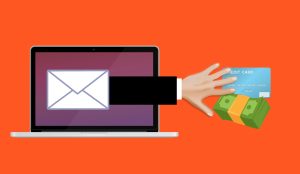
Summary: Scammers buy ads on Google and other search engines using the names of trusted brands and software, so their fake site shows up at the very top, above the real one. Click it and you can land on a fake page that steals your login or installs malware. You can avoid nearly all of it by skipping the sponsored