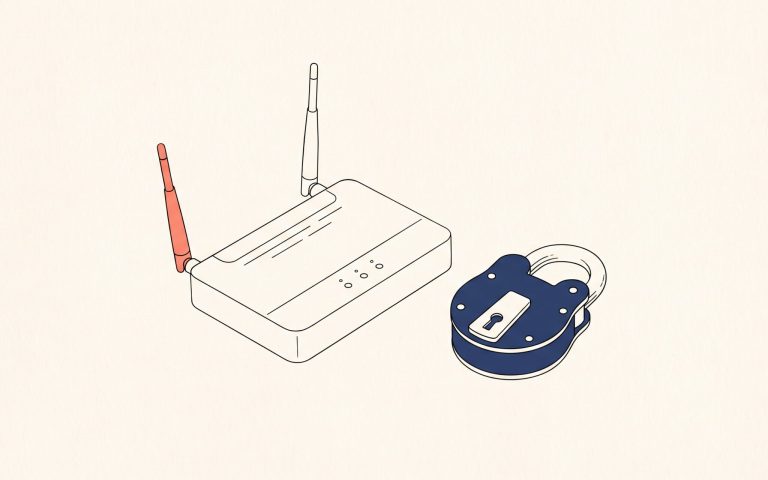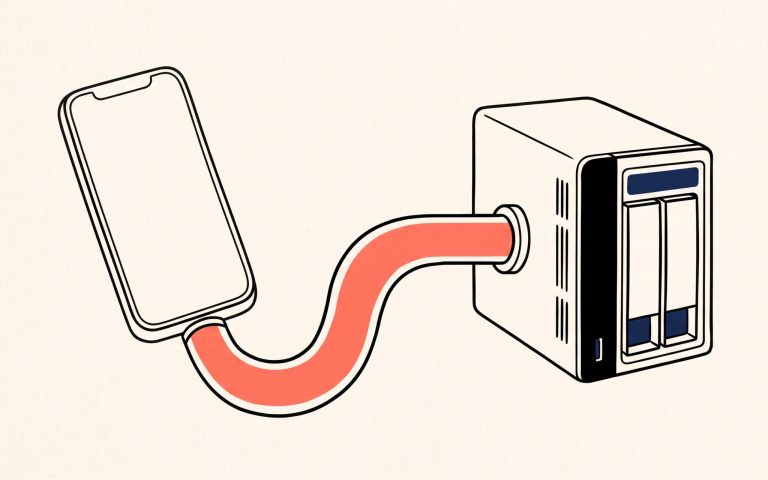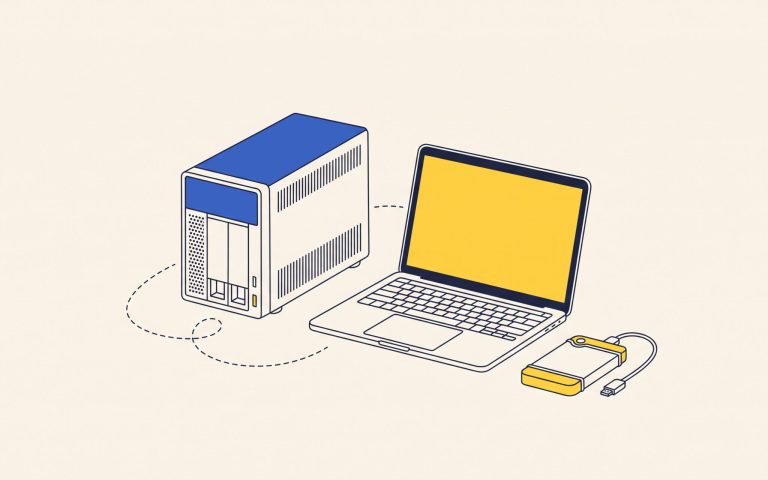
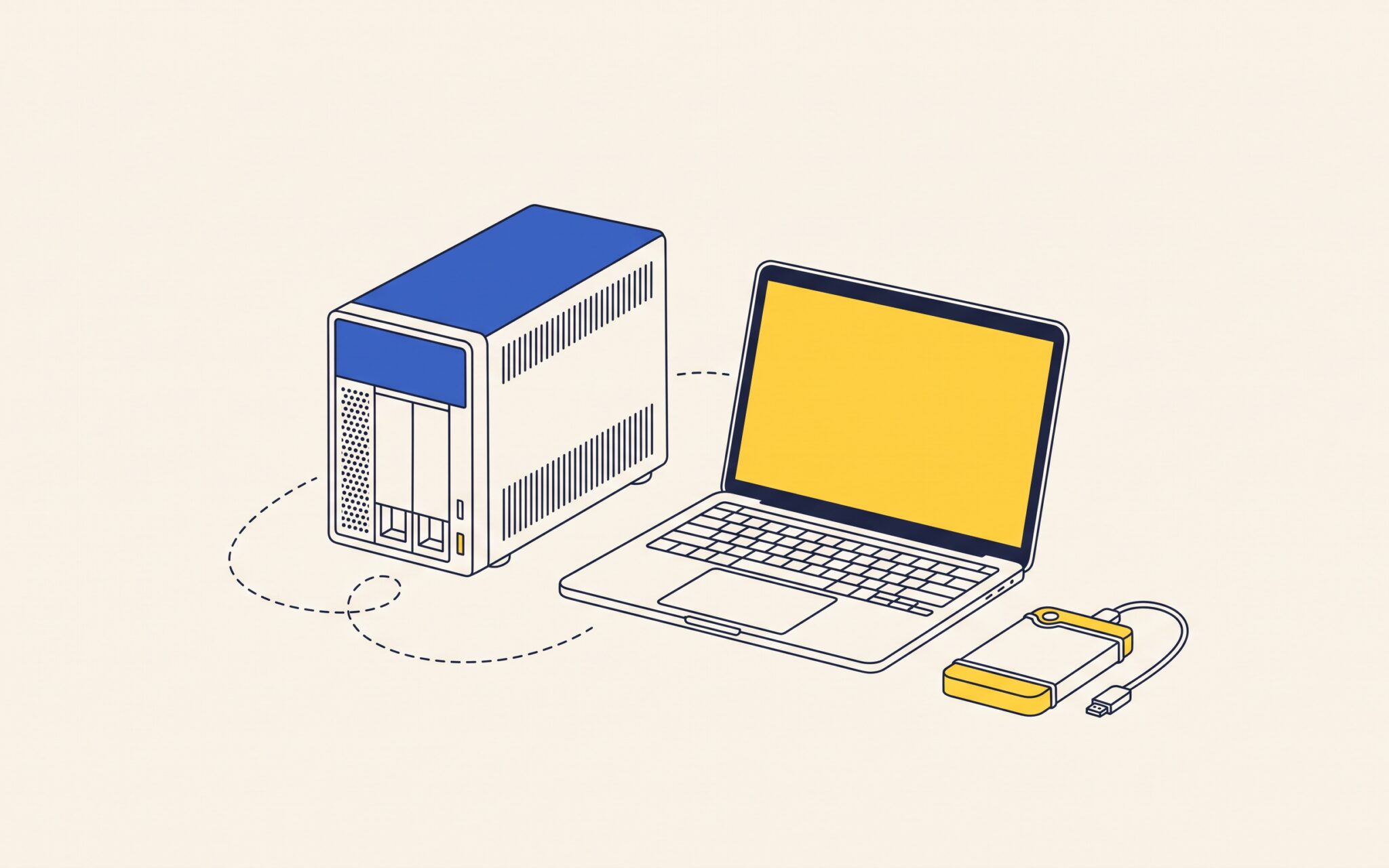
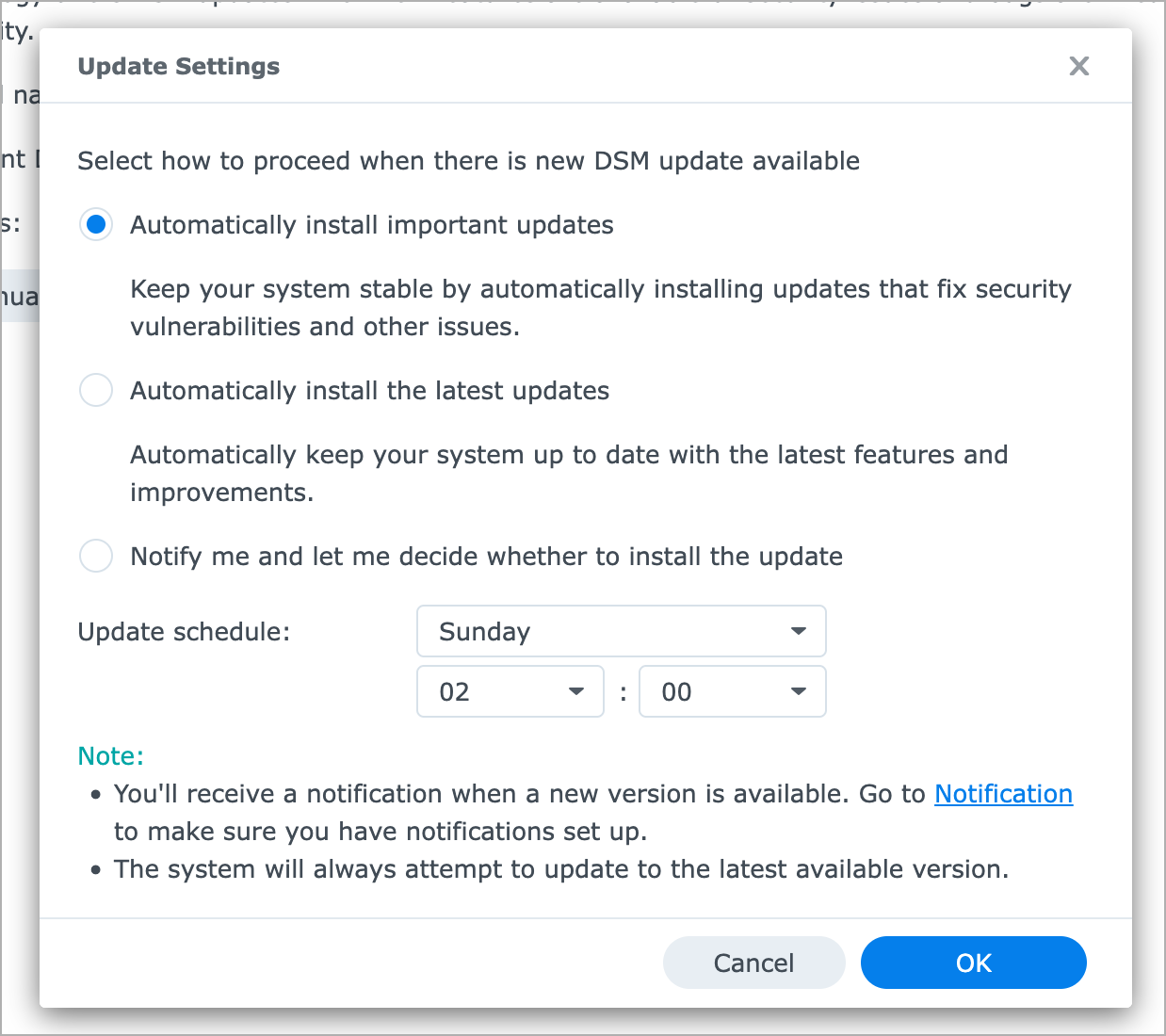
If you use a Synology NAS, check its DiskStation Manager (DSM) software. In a September 18 advisory, Synology disclosed two flaws that let attackers read and write files over a network without logging in, and multiple Synology users have reported ransomware attacks. In DSM, open Control Panel > Update & Restore and make sure the version shown is at least DSM 7.4-90075, 7.3.2-86009 Update 4, 7.2.2-72806 Update 9, or 7.2.1-69057 Update 12, depending on which version you run. Updates roll out in stages, so if yours is older and none is offered, download the update from Synology’s Download Center and install it with Manual DSM Update. Then click Update Settings and select “Automatically install important updates.” An incident-response team cited by PBX Science reports a victim on a recent DSM 7.4.1 build, though, so keep the NAS shielded from the open Internet (no port forwarding, UPnP, or QuickConnect, which exposes DSM through Synology’s relay). Use a VPN for remote access, as Synology recommends, turn on two-factor authentication, and keep a backup the NAS can’t reach, such as a disconnected drive. If your NAS can’t run DSM 7.2.1 or later, Synology lists no fix, so ask us about replacing it.
(Featured image by Trusted Content Network)
Social Media: Use a Synology NAS? Synology has patched flaws reportedly used for ransomware attacks, so update DSM, turn on automatic updates, keep the NAS off the Internet, and keep a backup it can’t reach.