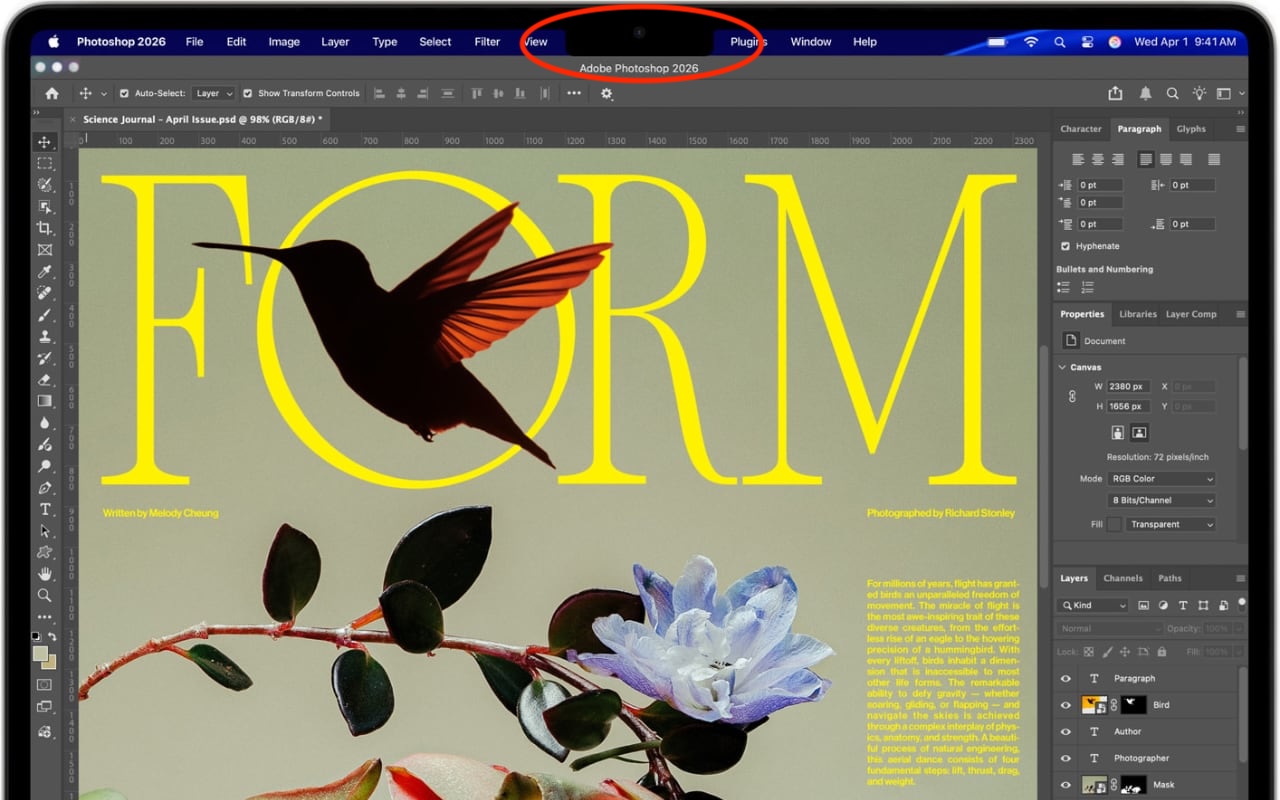
The MacBook Air and MacBook Pro have a notch at the top of the screen that contains the Center Stage camera, camera indicator LED, and True Tone and ambient light sensors. Unfortunately, that notch obscures menu bar icons as they pile up. Utilities such as Bartender and Ice offered solutions, but in macOS 27 Golden Gate, Apple provides a built-in answer. When icons overflow the menu bar, click the left-pointing double arrow《 to the right of the notch (top). The hidden icons appear on the left (bottom), temporarily covering other menu items if necessary.

(Featured image by Apple)
Social Media: Menu bar icons hidden behind your MacBook’s notch? macOS 27 Golden Gate finally adds a built-in fix: arrows that reveal the missing items. It’s not a replacement for Bartender or Ice, but it solves the core problem.