

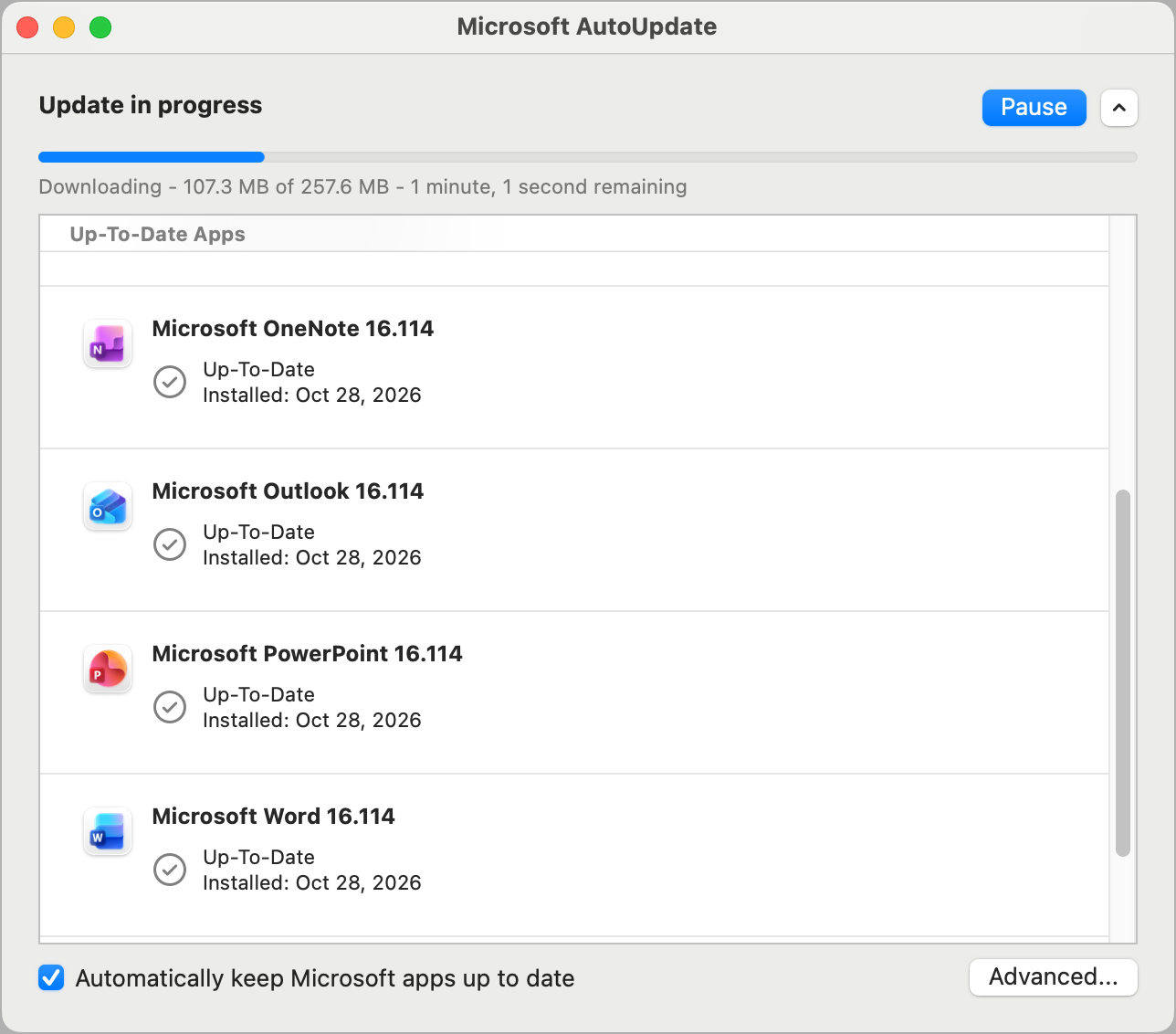
If Word, Excel, or PowerPoint on your Mac says your Office 2021 license isn’t supported and opens documents read-only, don’t rush to buy a subscription. Users have traced the problem to versions 16.114.1 and 16.114.2 of Office for Mac, which stopped recognizing perpetual Office 2021 licenses, and Microsoft says version 16.114.3 “fully restores functionality for affected customers.” Open Word, choose Help > Check for Updates, and let Microsoft AutoUpdate install 16.114.3 or later; Word > About Microsoft Word shows which version you have. If you rolled back to an older version and turned off automatic updates, update now too. If editing still doesn’t work, quit and reopen the app, then sign out and back in. Please talk to us before uninstalling Office or rolling back. One more point that confuses people: Microsoft ended support for Office 2021 on October 13, 2026, yet Office 2021 keeps getting updates. That’s because every edition of Office for Mac uses the same apps, so Office 2021 receives the updates Microsoft builds for Microsoft 365 and Office 2024. But Microsoft no longer promises that, so a future update could stop including Office 2021 or break it again, with no guarantee of a fix. It’s a good time to plan a move to Office 2024 or Microsoft 365.
(Featured image by Trusted Content Network)
Social Media: Is Word, Excel, or PowerPoint on your Mac suddenly claiming your Office 2021 license isn’t supported? A Microsoft update caused that, and version 16.114.3 fixes it, so update Office again rather than paying for a Microsoft 365 subscription.