
If you’re shopping for someone who uses a Mac, iPhone, or iPad this year, start with a budget. That’s trickier than usual, because Apple raised prices on many Macs, iPads, and HomePods in June. Below are gifts we expect will go over well, sorted by the maker’s US list price (retailers often charge less, but you can’t count on a discount), with notes on which devices each one works with. Pick your budget, check that the gift fits the recipient’s gear, and order soon.
Tech Gifts for $50 or Less
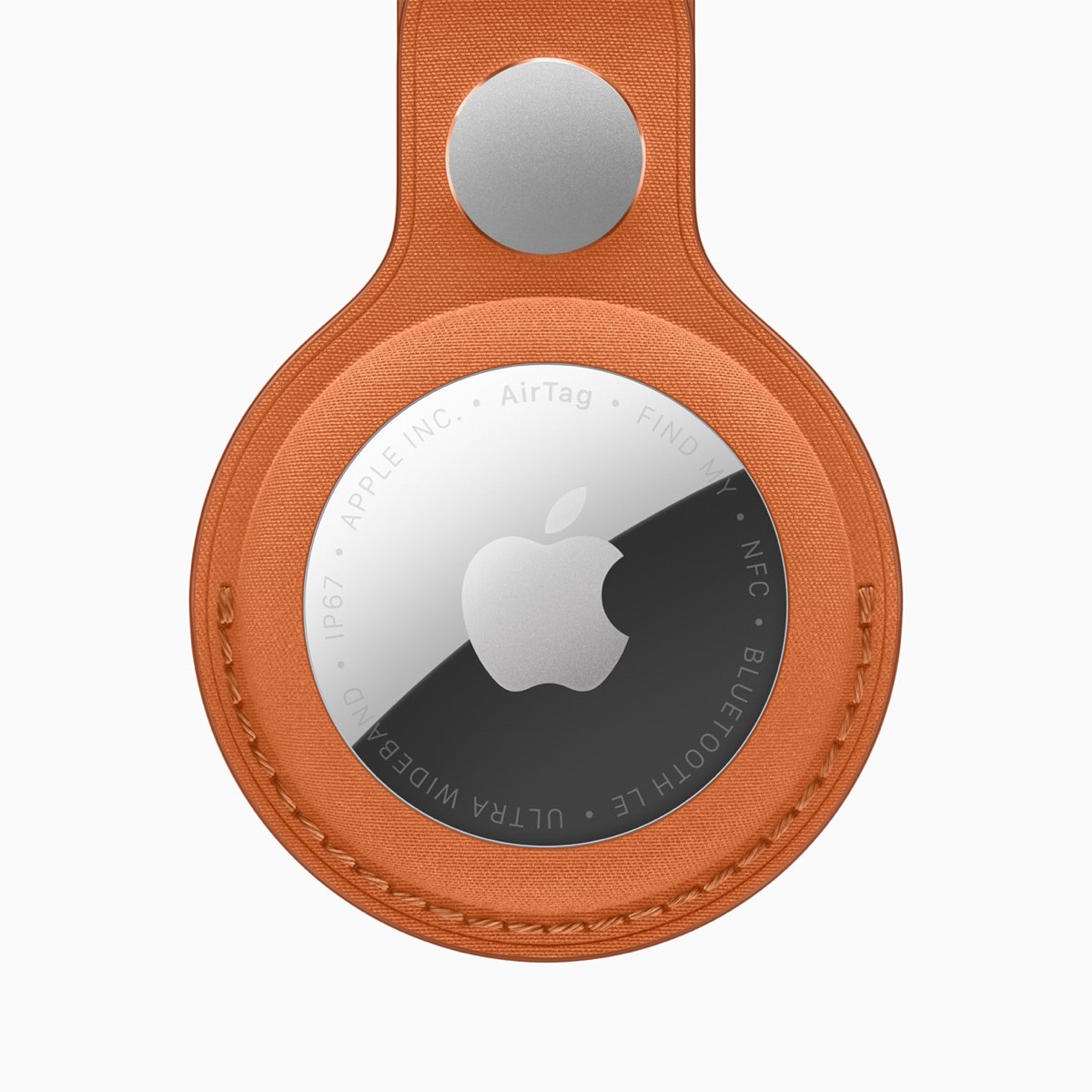 AirTag, $29: The second-generation AirTag has a speaker Apple says is 50% louder and has up to 1.5 times the Precision Finding range of the original, although the longer range works only with an iPhone Air or an iPhone 15 or later (minus the iPhone 16e and iPhone 17e). Attach one to keys, a backpack, or checked luggage, and you can locate it in the Find My app. It requires iOS 26 or iPadOS 26 or later and is rated IP67 for water and dust resistance. If you give several, we’re happy to help set them up and share them with family members.
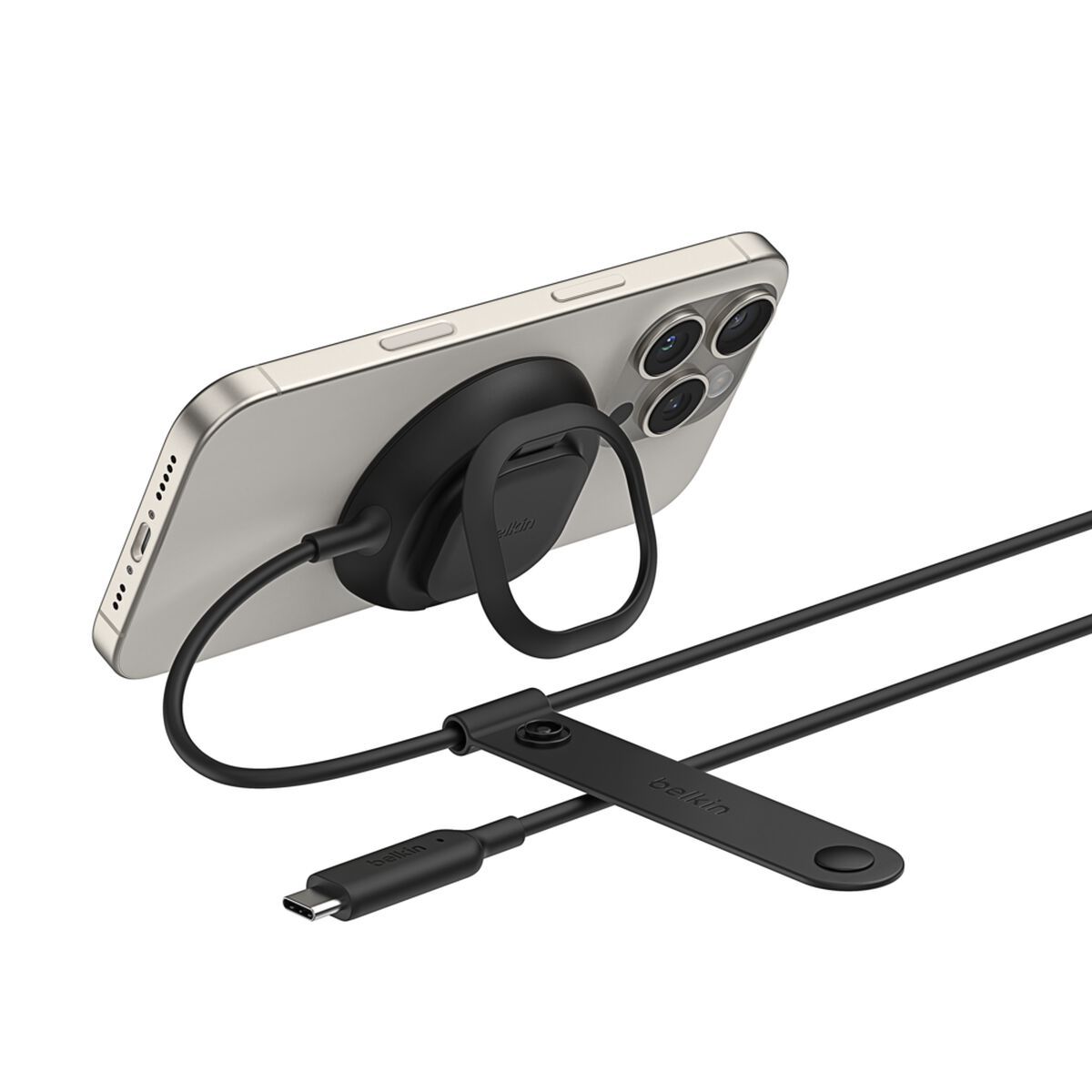 Belkin UltraCharge Magnetic Charger with Qi2 25W, $39.99: For about the price of Apple’s $39 MagSafe Charger, which comes with only a cable, this Qi2.2-certified charger (model BBB011) includes a 36-watt USB-C power adapter, a 2-meter cable, and a kickstand for watching video while it charges. It charges the iPhone 17, iPhone 17 Pro, and iPhone 18 Pro models at up to 25 watts. Older iPhones charge more slowly, down to 15 watts for the iPhone 12 through iPhone 15. Belkin’s compatibility list doesn’t include the iPhone Duo.
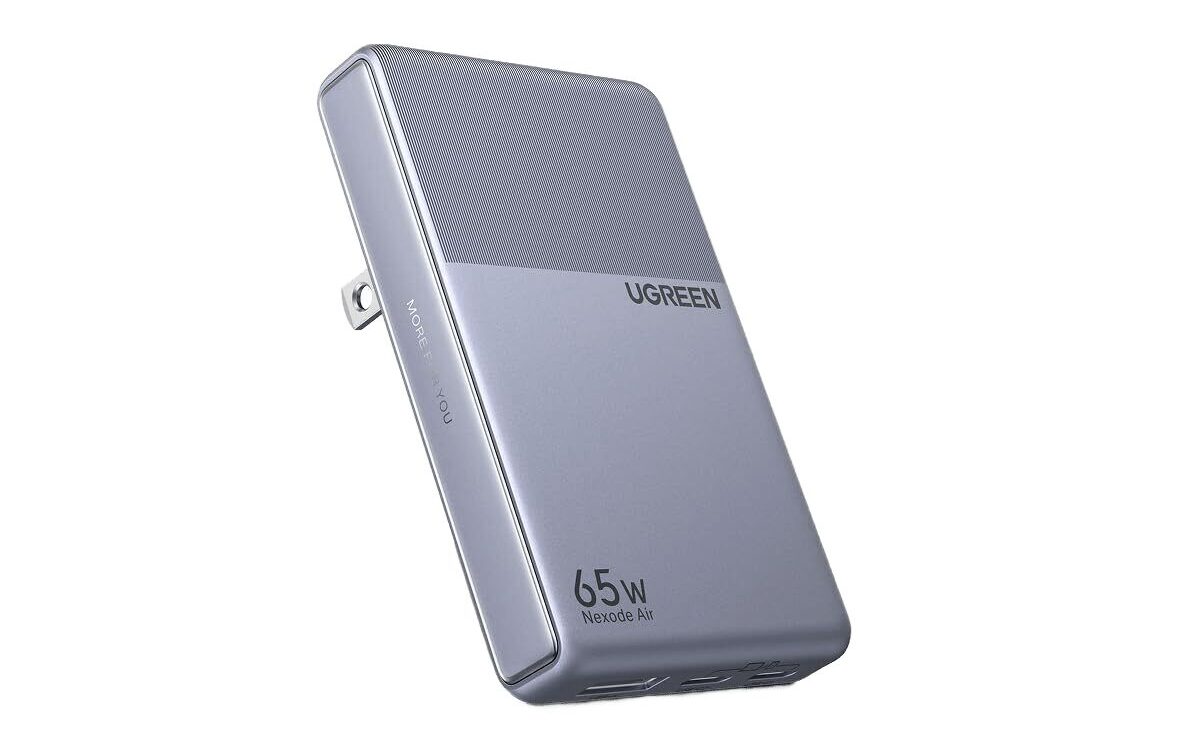
- Ugreen Nexode Air Slim Charger (65W, 3-Port), $49.99: This flat charger (model X865) has two USB-C ports and a USB-A port, and its prongs fold away for travel. One port alone delivers up to 65 watts, enough to fast-charge a MacBook Air, and it can charge an iPhone, an iPad, and AirPods at the same time. When you use more than one port, the power is shared between them, so a laptop charges more slowly with a phone plugged in beside it.
Tech Gifts for $100 or Less
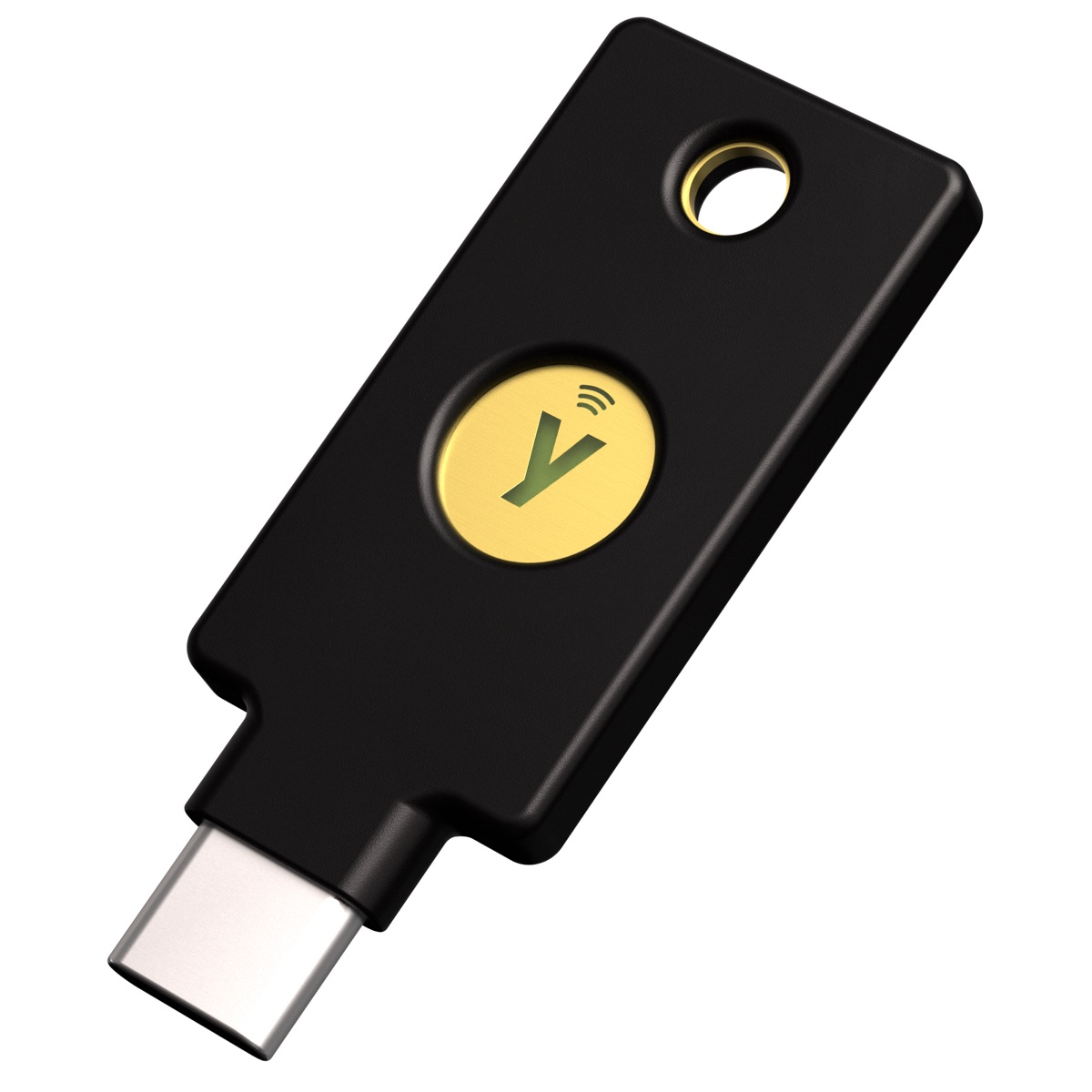 Two Yubico Security Key C NFC keys, $58 ($29 each): A security key is a small physical key that makes an Apple Account much harder to break into. Once it’s set up, signing in to the account on a new device calls for the key in place of a six-digit verification code, so a scammer who tricks someone into giving up their password still can’t get in. It’s a good gift for anyone who has been phished before or is likely to be targeted. Apple requires at least two keys, so give a pair. This USB-C model plugs into an iPhone 15 or later and most Macs, and an older iPhone can use it by tapping it against the phone (NFC). Before you buy, check these points:
- Every device signed in to the recipient’s Apple Account must be running (or be able to update to) iOS 16.3, iPadOS 16.3, or macOS 13.2 Ventura or later, and two-factor authentication must already be on.
- Security keys don’t work with Managed Apple Accounts (the kind a business or school issues), child accounts, or an Apple Watch paired to a family member’s iPhone. A business can’t use them to protect its staff members’ work accounts, only their personal Apple Accounts.
- Apple warns that if you lose all your keys and all your trusted devices, you could be locked out of your account permanently. Keep one key at home and the other somewhere else, such as at work.
- Setup signs the account out of any device that hasn’t been used in more than 90 days.
To add the keys on an iPhone or iPad, go to Settings > [your name] > Sign-in & Security > Two-Factor Authentication > Security Keys. On a Mac, go to System Settings > [your name] > Sign-in & Security > Two-Factor Authentication and click Set Up next to Security Keys. We’d be happy to set up both keys with the recipient.
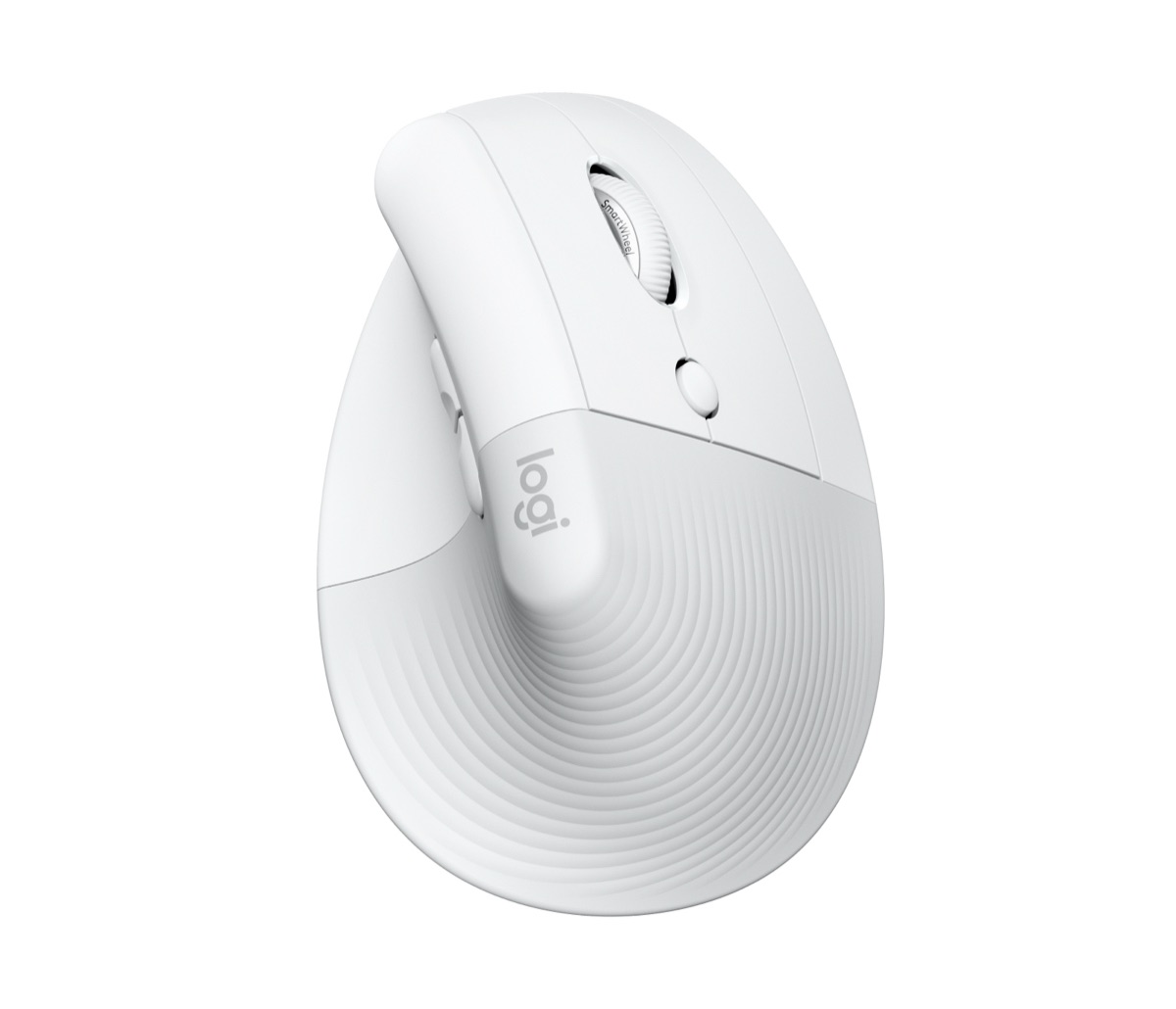 Logitech Lift for Mac, $79.99: This vertical mouse holds the hand upright at a 57-degree angle, which Logitech calls a “natural handshake position” and says puts less pressure on the wrist, so it’s worth trying if you know someone who finds a regular mouse uncomfortable. Logitech says it fits small to medium hands. The Lift for Mac comes without a USB receiver and connects over Bluetooth (a Logi Bolt receiver is sold separately), whereas the standard Lift (also $79.99) includes a Logi Bolt USB receiver and comes in a left-handed Lift Left version.
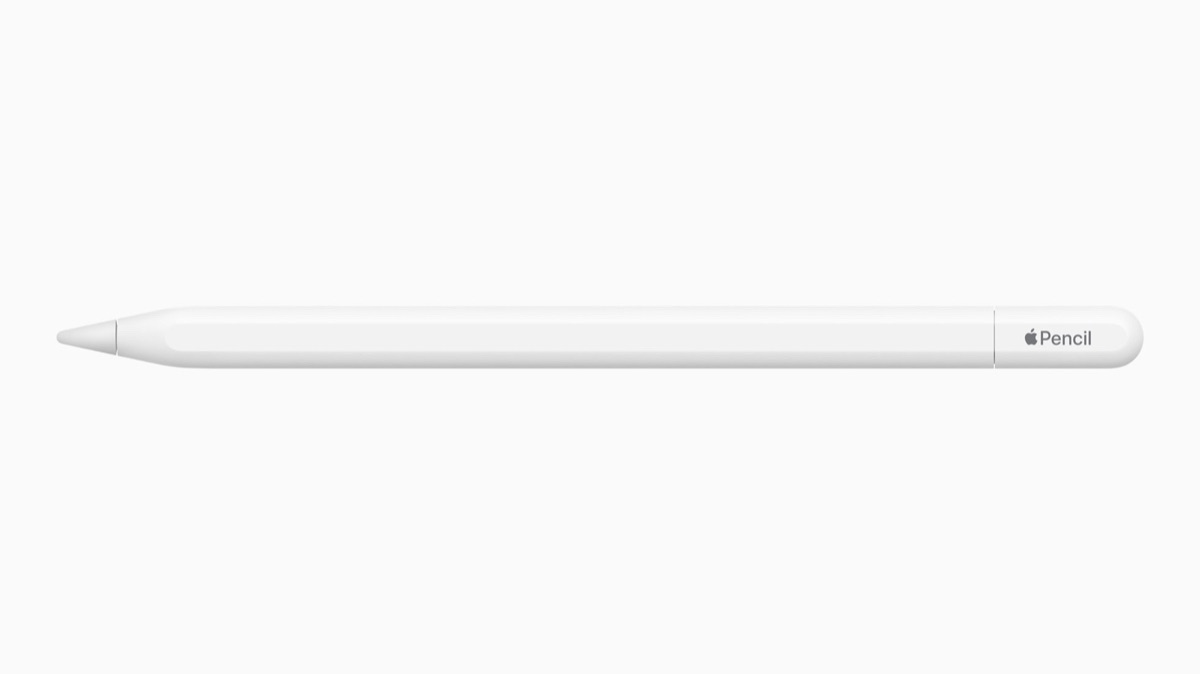 Apple Pencil (USB-C), $79: The least expensive Apple Pencil works with every iPad Apple currently sells, including the iPad (A16) and the new iPad mini (A20 Pro), and it’s the only Apple Pencil that works with the iPhone Duo (though hover isn’t supported there). You pair and charge it over USB-C, and it attaches magnetically to the side of an iPad. It lacks pressure sensitivity, so serious artists may prefer the Apple Pencil Pro, which works with the iPad mini, iPad Air, and iPad Pro but not the iPad (A16). In any case, Apple Pencils are easy to lose, so you can never have enough!
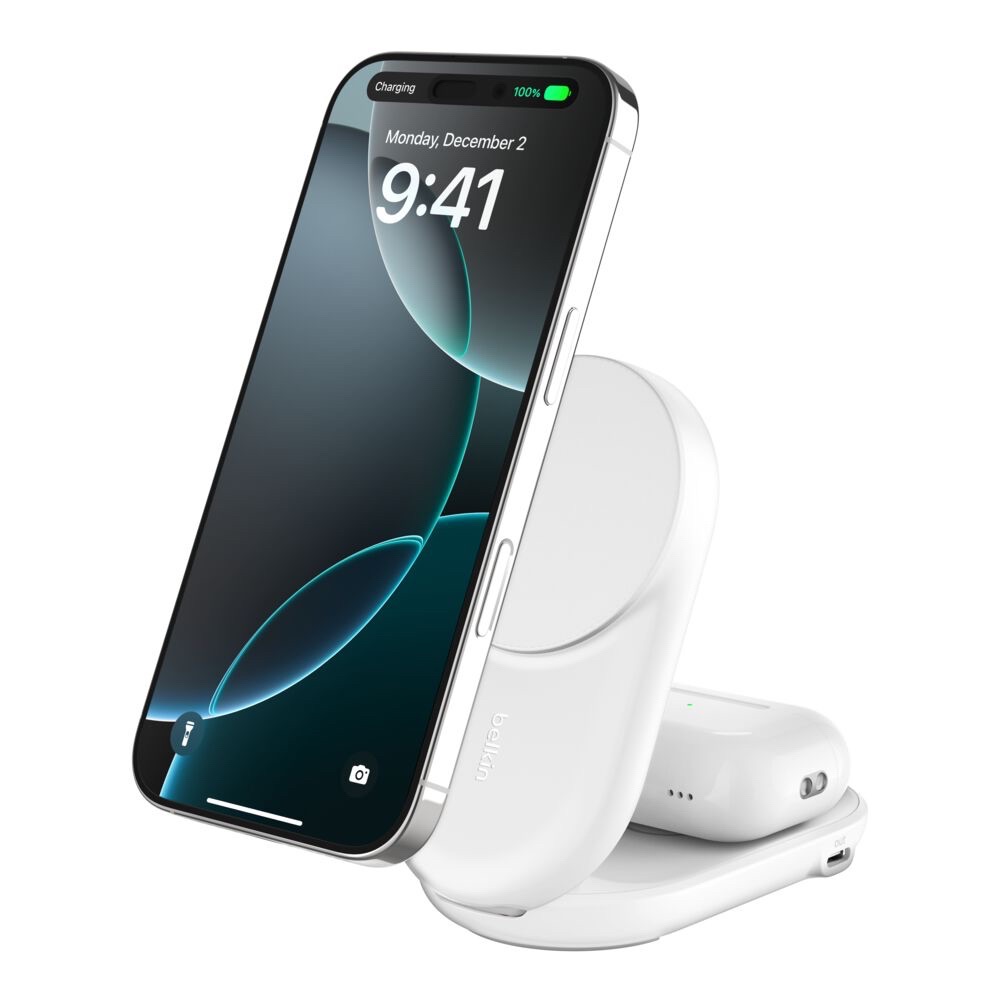 Belkin UltraCharge 2-in-1 Foldable Magnetic Charger with Qi2 25W, $59.99: This folding stand (model WIZ039) charges an iPhone and a pair of AirPods at once. Recent iPhones charge at up to 25 watts, and the AirPods sit on the base in their wireless charging case. A spare 5-watt USB-C port can power a smartwatch charger, and the box includes a 45-watt power adapter and cable. Belkin’s compatibility list runs from the iPhone 12 through the iPhone 18 Pro Max but doesn’t include the iPhone Duo, and its AirPods list stops at the AirPods 4 and AirPods Pro 2.
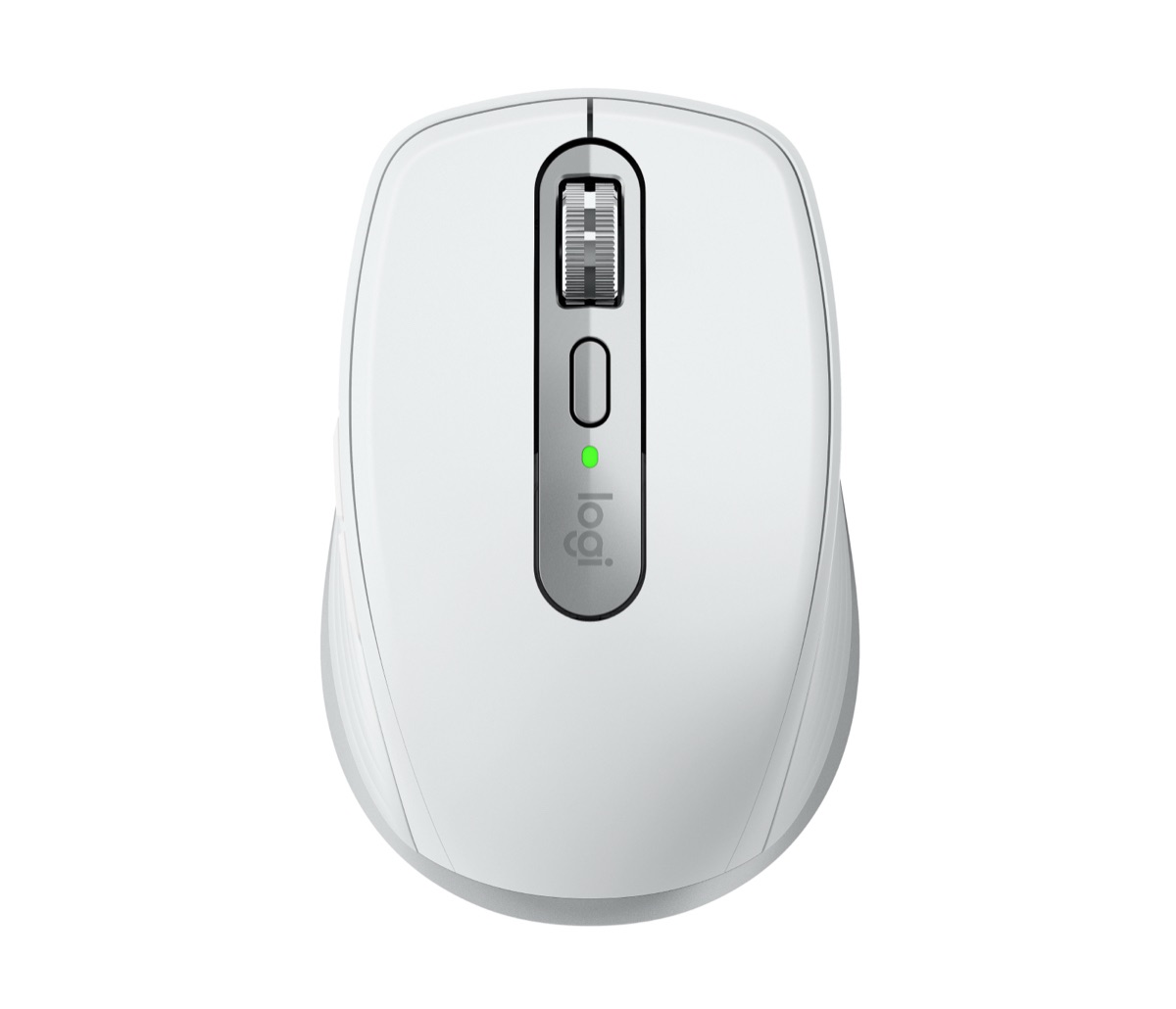 Logitech MX Anywhere 3S for Mac, $89.99: A compact mouse with quiet clicks that tracks on nearly any surface, including glass, and pairs over Bluetooth with up to three Macs or iPads. It’s handy if you work from a laptop in different places.
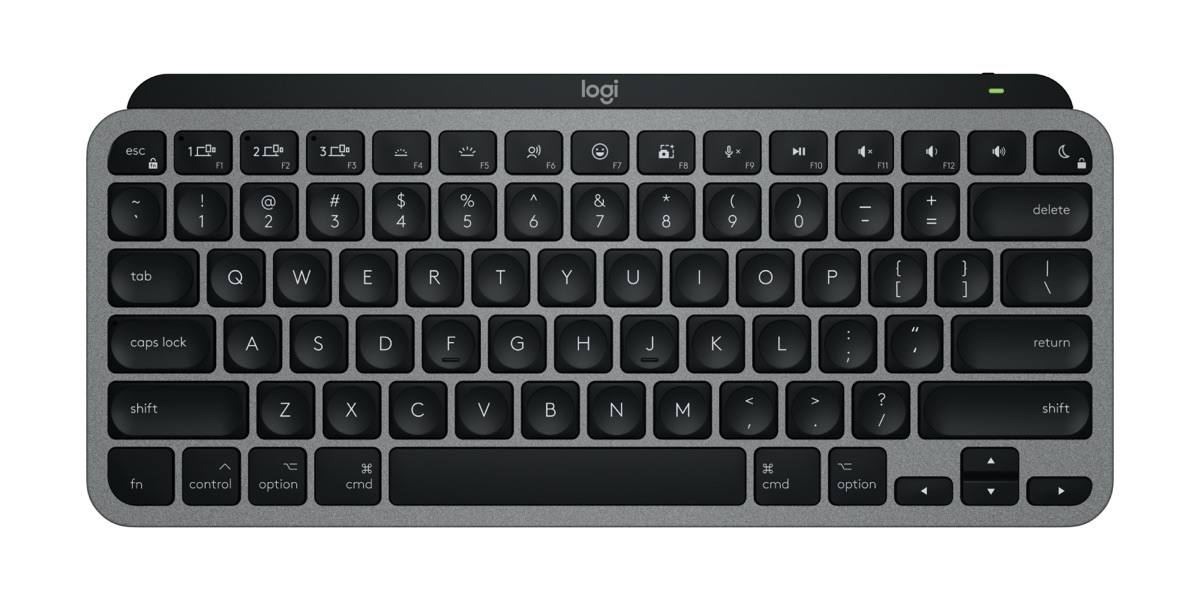 Logitech MX Keys Mini for Mac, $99.99: A small keyboard with a Mac key layout and backlighting that turns on as your hands approach. It pairs with several Macs and iPads over Bluetooth and switches between them at the press of a button.
Tech Gifts for $200 or Less
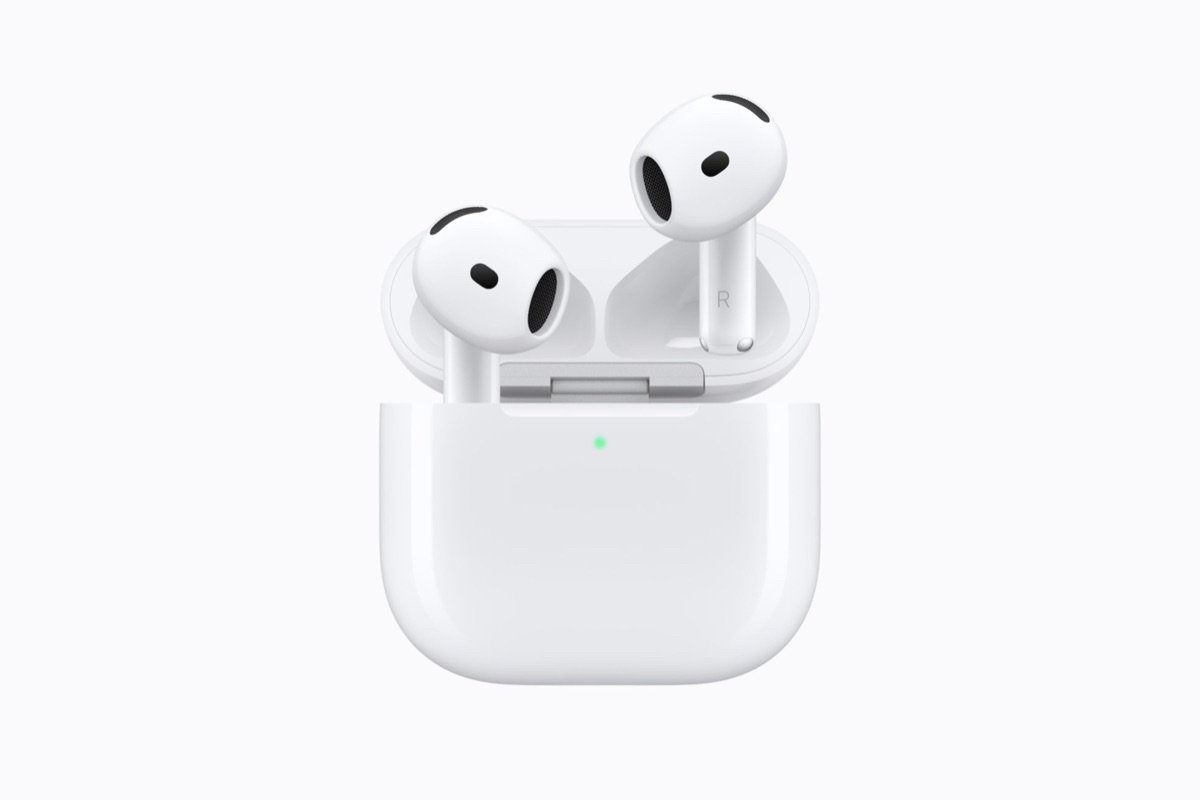 AirPods 5, $129, or $149 with Wireless Charging Case: Both models include Active Noise Cancellation and are rated IP57 for dust, sweat, and water resistance. The $149 version adds a force sensor with volume swipe and slightly longer battery life (up to 5 hours of listening with noise cancellation on, versus 4), and its case charges from a USB-C cable, an Apple Watch charger, or a Qi-certified charger. Neither box includes a USB-C cable or power adapter.
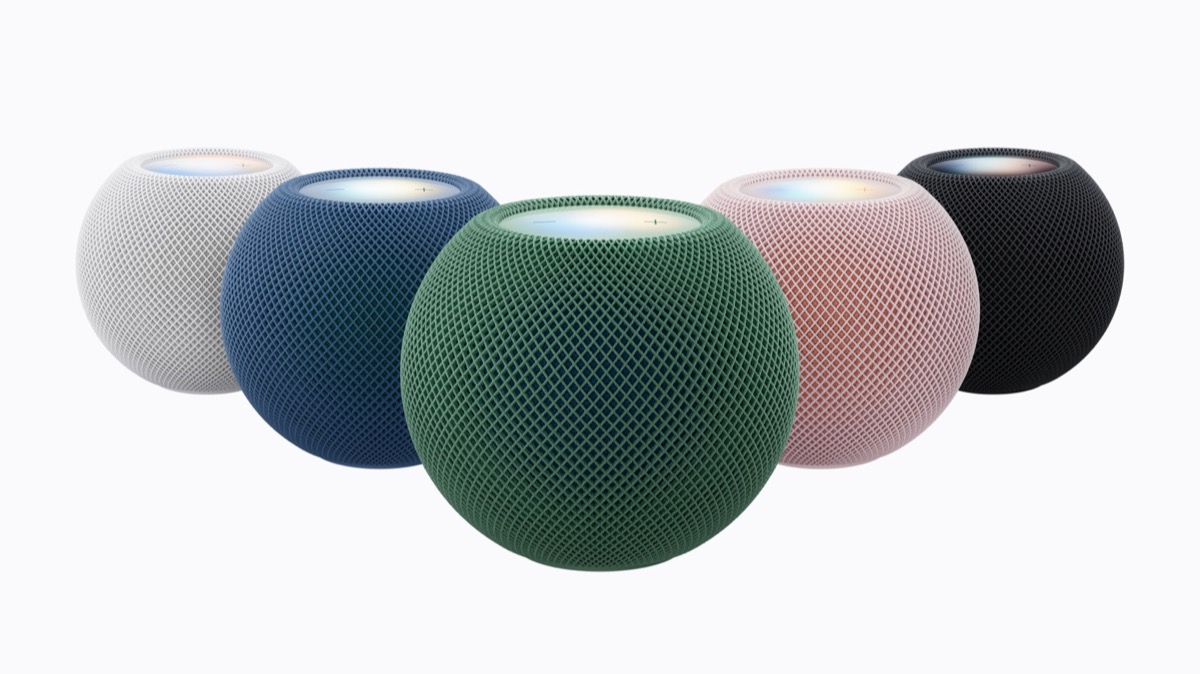 HomePod mini 2, $149: The new HomePod mini is available in green, pink, blue, midnight, and white, adds Wi-Fi 6E, and keeps the temperature and humidity sensing and smart home control. Early reviewers say Siri responds noticeably faster, but the sound is much like the original’s. Apple’s new Siri AI won’t be available on it at launch, only “later as a free software update,” and MacRumors notes that Apple hasn’t said when, so buy it for music and the smart home rather than for Siri. Until then, it works with the current version of Siri. Two can form a stereo pair, but only with another HomePod mini 2, not an original HomePod mini. Setup requires an iPhone or iPad running the latest iOS or iPadOS, so it’s not a gift for someone who uses only a Mac.
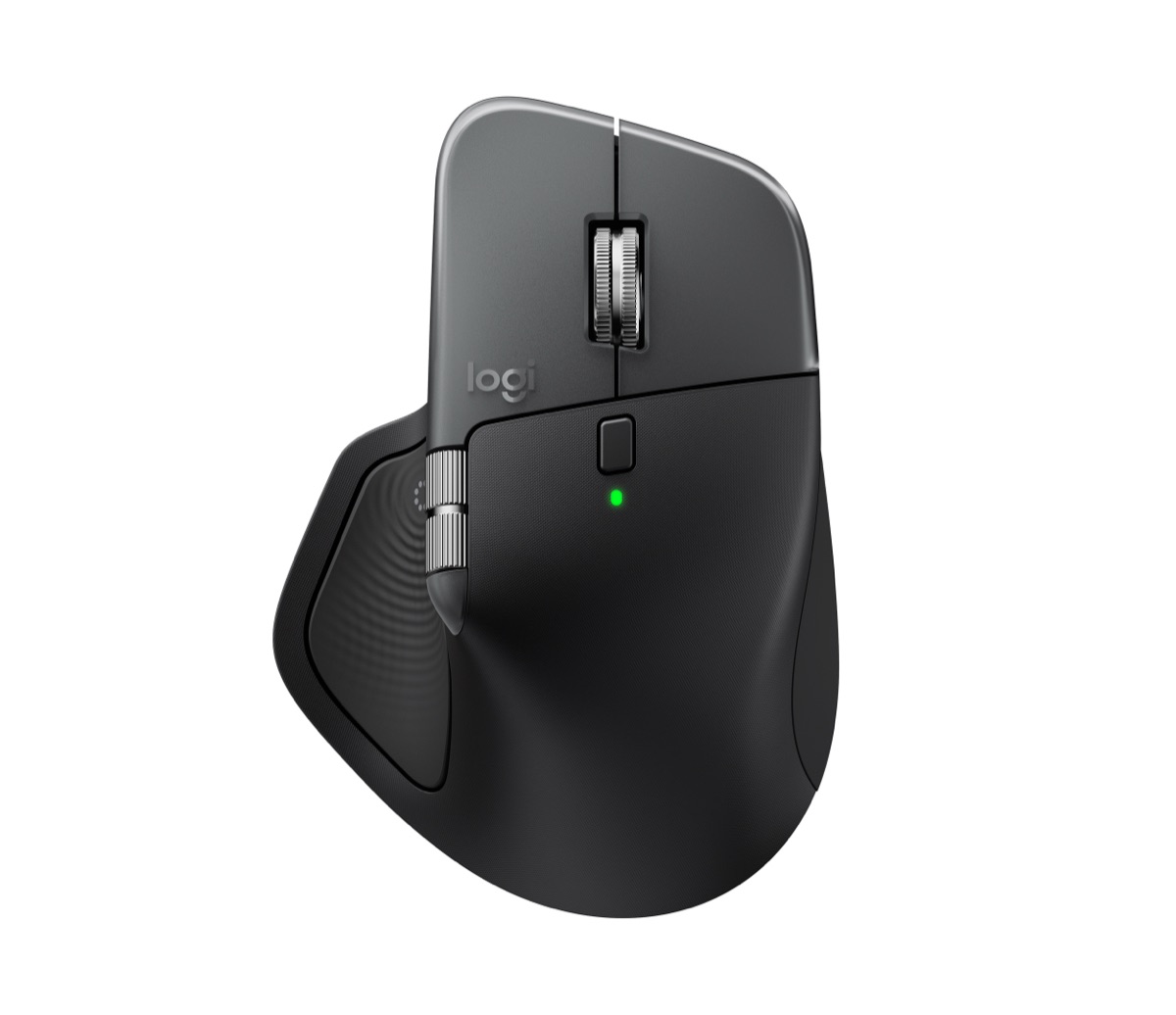 Logitech MX Master 4 for Mac, $119.99: Logitech’s top-of-the-line mouse adds customizable haptic feedback and an Actions Ring that puts shortcuts at the pointer. It works with macOS and iPadOS, but the haptics and Actions Ring need the Logi Options+ app on a Mac.
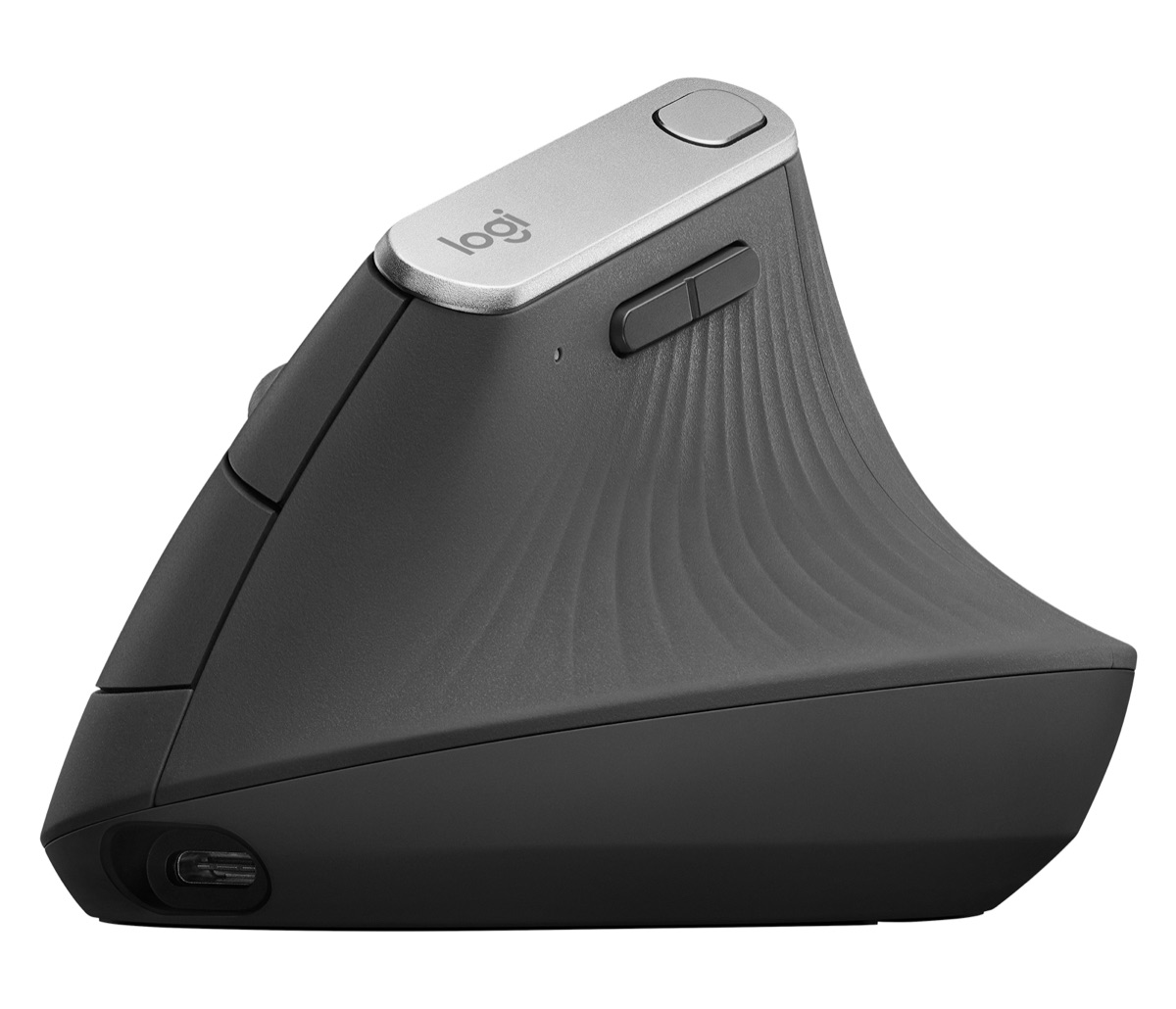 Logitech MX Vertical, $119.99: The larger sibling of the Lift uses the same 57-degree angle but is sized for medium to large hands.
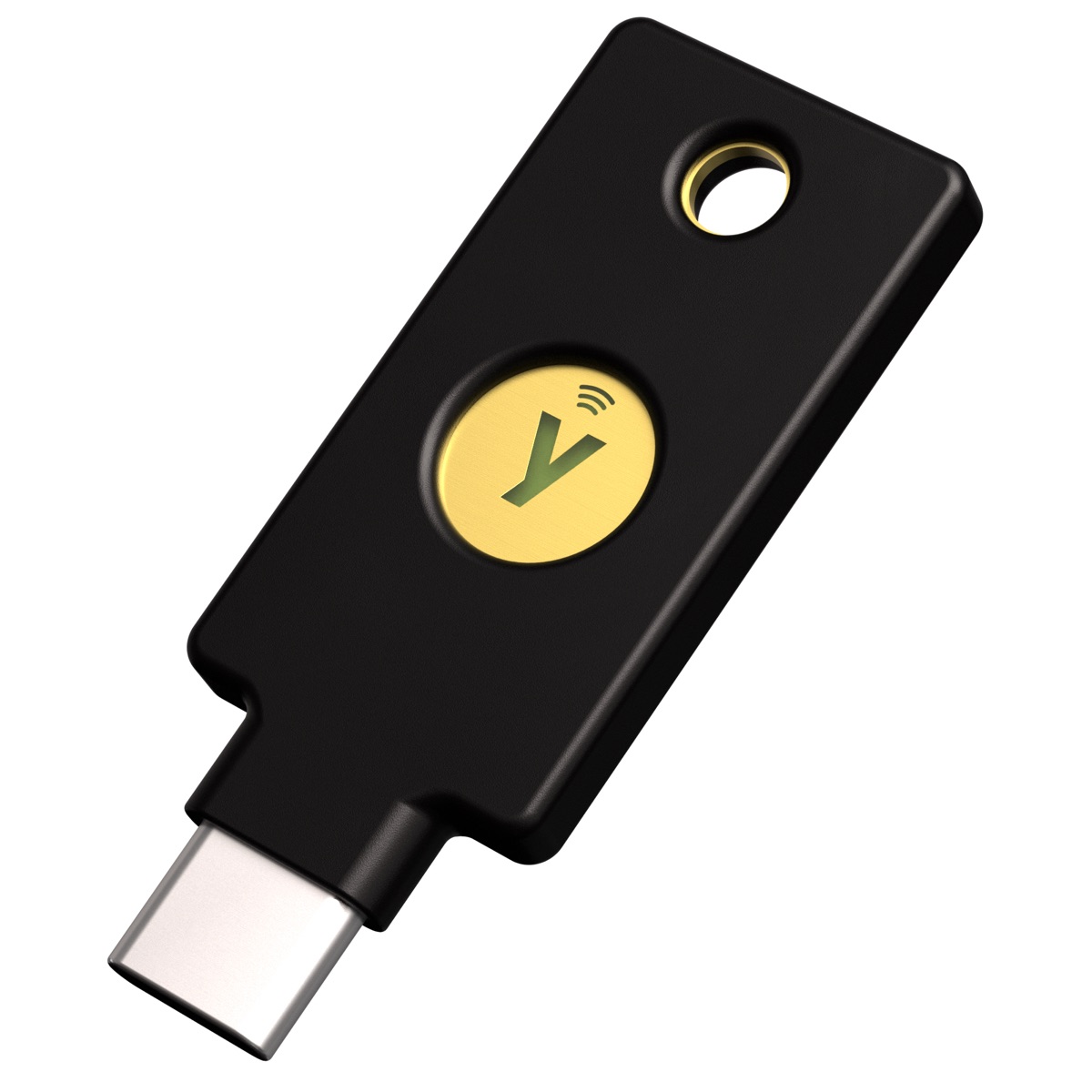 Two YubiKey 5C NFC keys, $116 ($58 each): Apple lists this model as a good example in its support article About Security Keys for Apple Account. Beyond FIDO, it supports Yubico OTP, authenticator codes, smart card, and OpenPGP, which can matter if the recipient’s employer uses those. The points under the Security Key C NFC above apply here too. (The $85 YubiKey 5Ci adds a Lightning connector, but older Lightning iPhones can use NFC instead, so there’s little reason to pay extra.)
Tech Gifts for $500 or Less
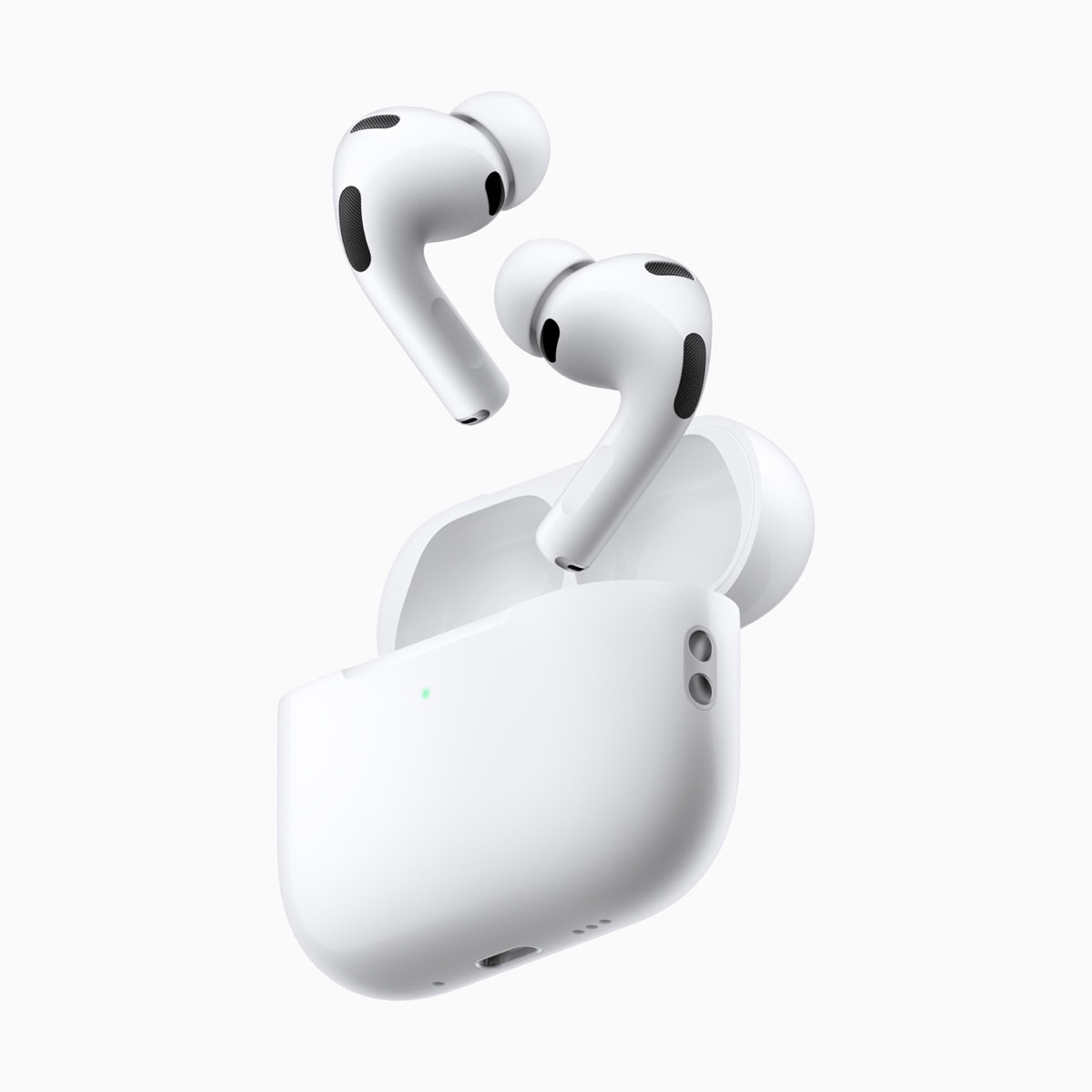 AirPods Pro 3, $249: Apple says these have the best in-ear Active Noise Cancellation in the world, and they add heart rate sensing during workouts and up to 8 hours of battery life (like the AirPods 5, they come without a USB-C cable or power adapter). They also support Apple’s Hearing Test and Hearing Aid features, which are intended for adults with perceived mild to moderate hearing loss.
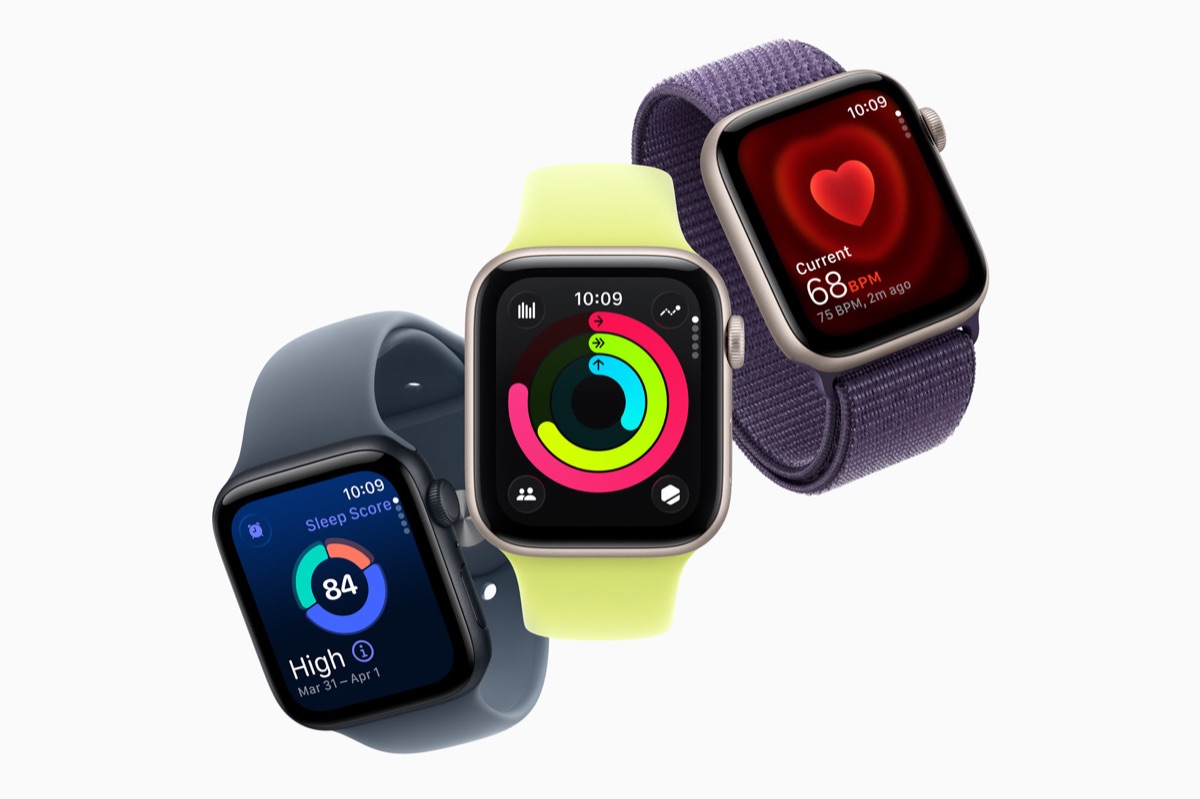 Apple Watch SE 3, from $249, or Apple Watch Series 12, from $399: Both require an iPhone 11 or later running iOS 27 or later, so check the recipient’s iPhone model (it’s listed in Settings > General > About) before buying.
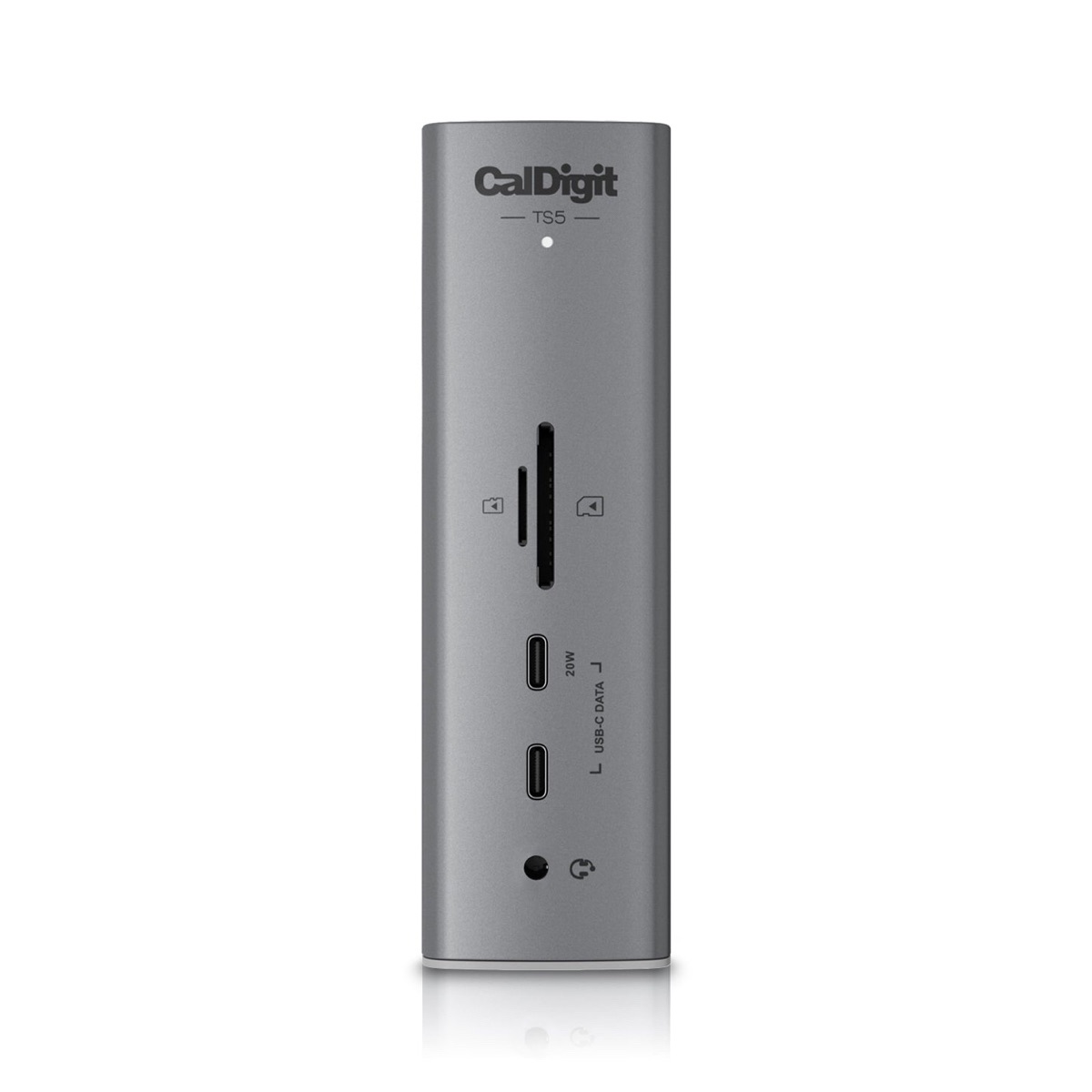 CalDigit TS5 Thunderbolt Station 5, $399.95: One Thunderbolt cable turns a laptop into a desktop setup, with 15 ports (four Thunderbolt 5, one of which connects to the computer, three 10 Gbps USB-C, two USB-A, SD and microSD card slots, 2.5 Gb Ethernet, and three audio jacks) and up to 140 watts of laptop charging. It works with Macs that have Thunderbolt 3 or later and run macOS 15 Sequoia or later, although CalDigit says it needs a Thunderbolt 5 computer for maximum performance, and the new 14-inch MacBook Pro with M6 has Thunderbolt 4 ports. (The $499.99 TS5 Plus doubles the USB ports to ten.) We’re happy to handle the setup.
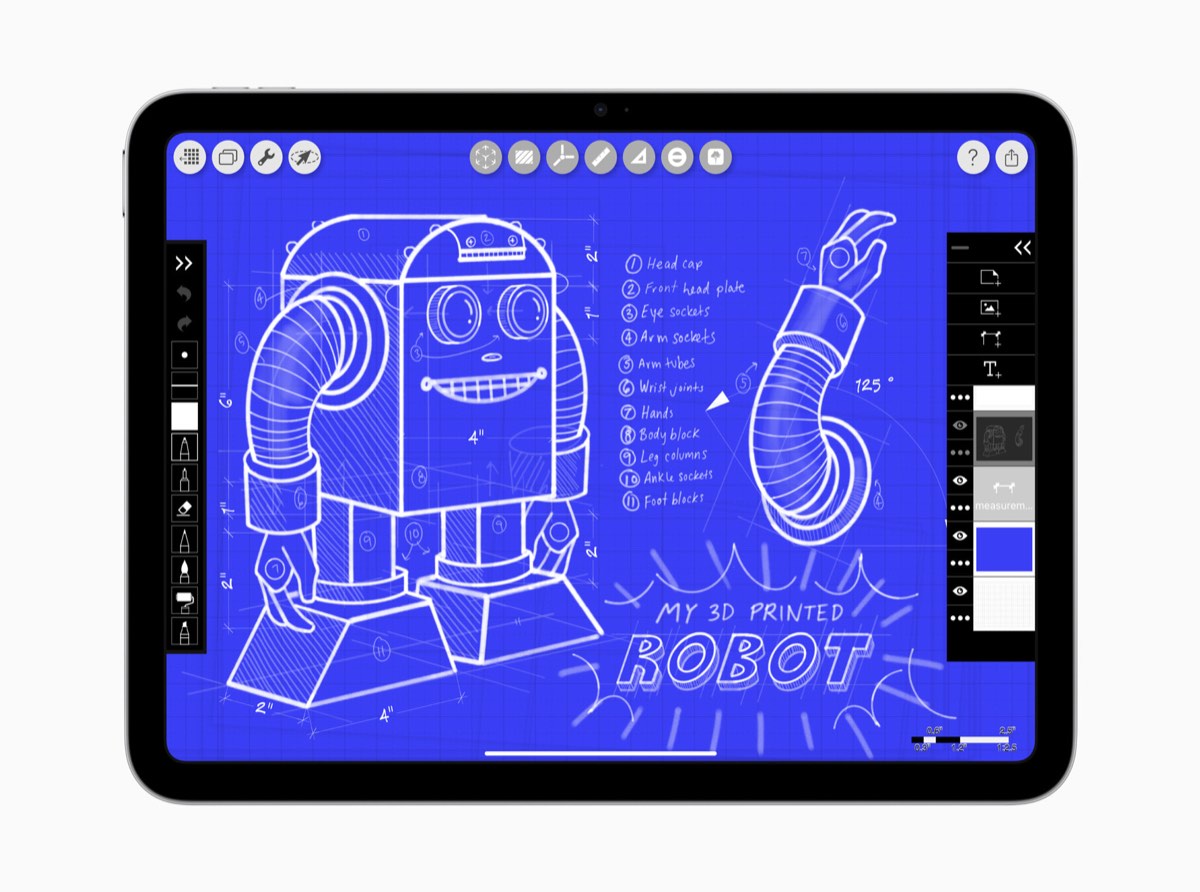 iPad (A16), $449: The entry-level 11-inch iPad comes with 128 GB of storage, Touch ID, and USB-C, and it pairs with the $79 Apple Pencil (USB-C) from the $100 list.
Tech Gifts for $1000 or Less
 BenQ MA270U, $549.99: This 27-inch 4K (3840 by 2160) display has a Nano Matte finish that cuts glare, a USB-C port that charges a MacBook at up to 90 watts, two HDMI 2.0 ports, speakers, and a height-adjustable stand. It has no webcam.
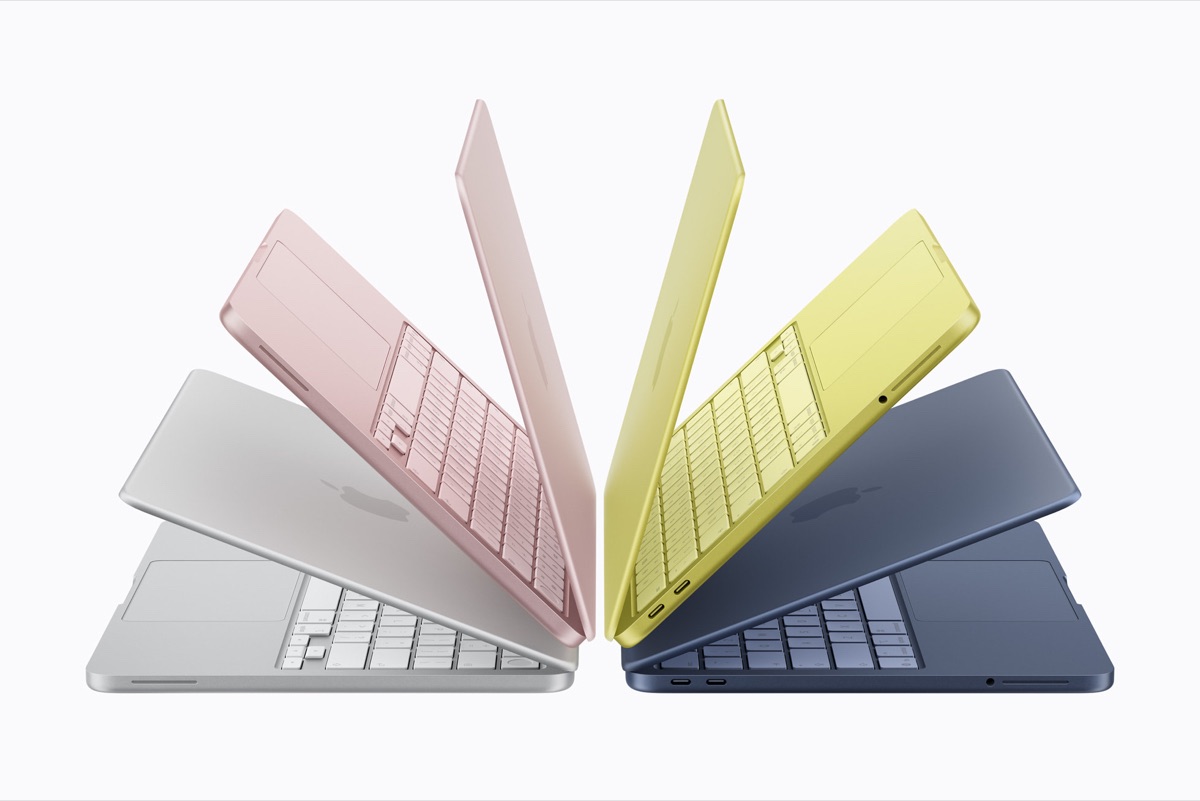 MacBook Neo, $699: Apple’s least expensive laptop has a 13-inch display, an A18 Pro chip, 8 GB of memory, 256 GB of storage, and up to 16 hours of video streaming. It has two USB-C ports, but only one is USB 3, and only that one drives an external display (at up to 4K, so it can’t run the 5K MA270S below at full resolution). The $699 model lacks Touch ID, which the $799 model adds along with 512 GB of storage.
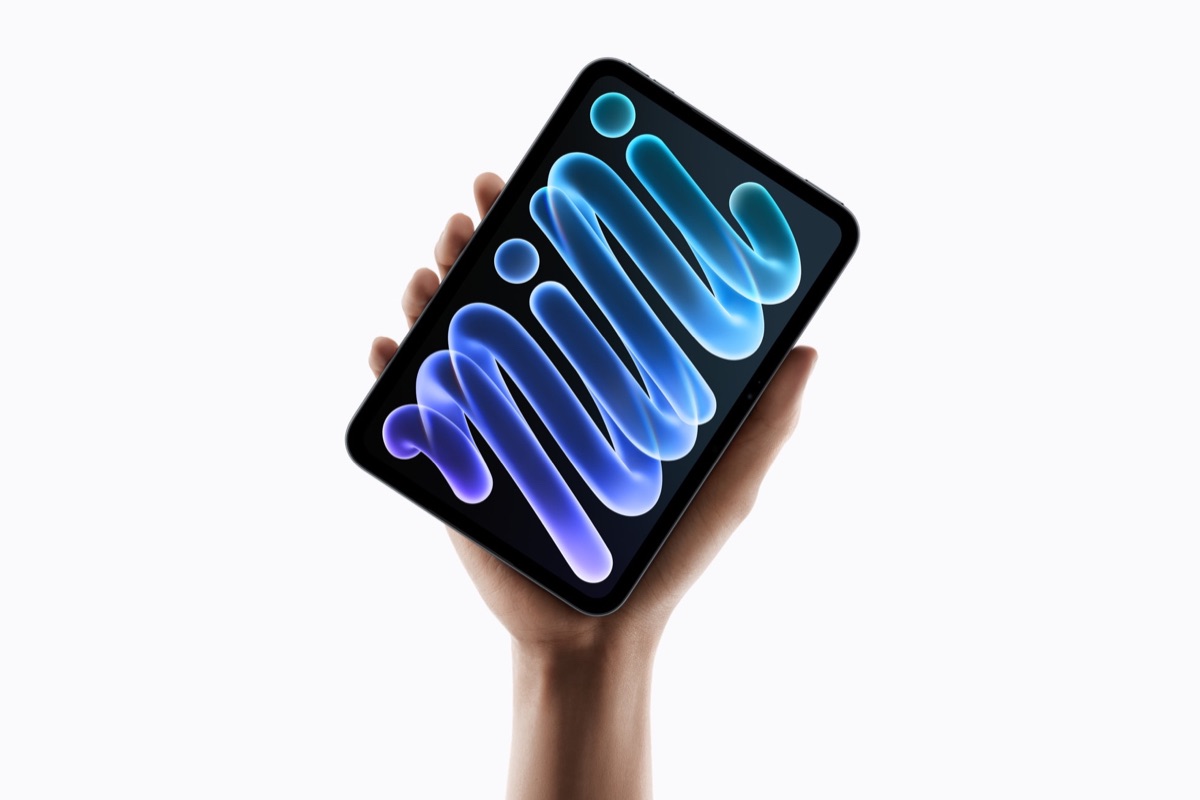 iPad mini (A20 Pro), $699: The new iPad mini has an 8.5-inch OLED display, IP67 water and dust resistance, Touch ID, and Wi-Fi 7, and it works with both the Apple Pencil Pro and Apple Pencil (USB-C). The $699 price gets 128 GB of storage; cellular models use eSIM only, and the nano-texture glass option requires the 256 GB or 512 GB model. Apple says iPad and Mac supplies will be tight through the holidays, and it named the iPad mini specifically, so order early.
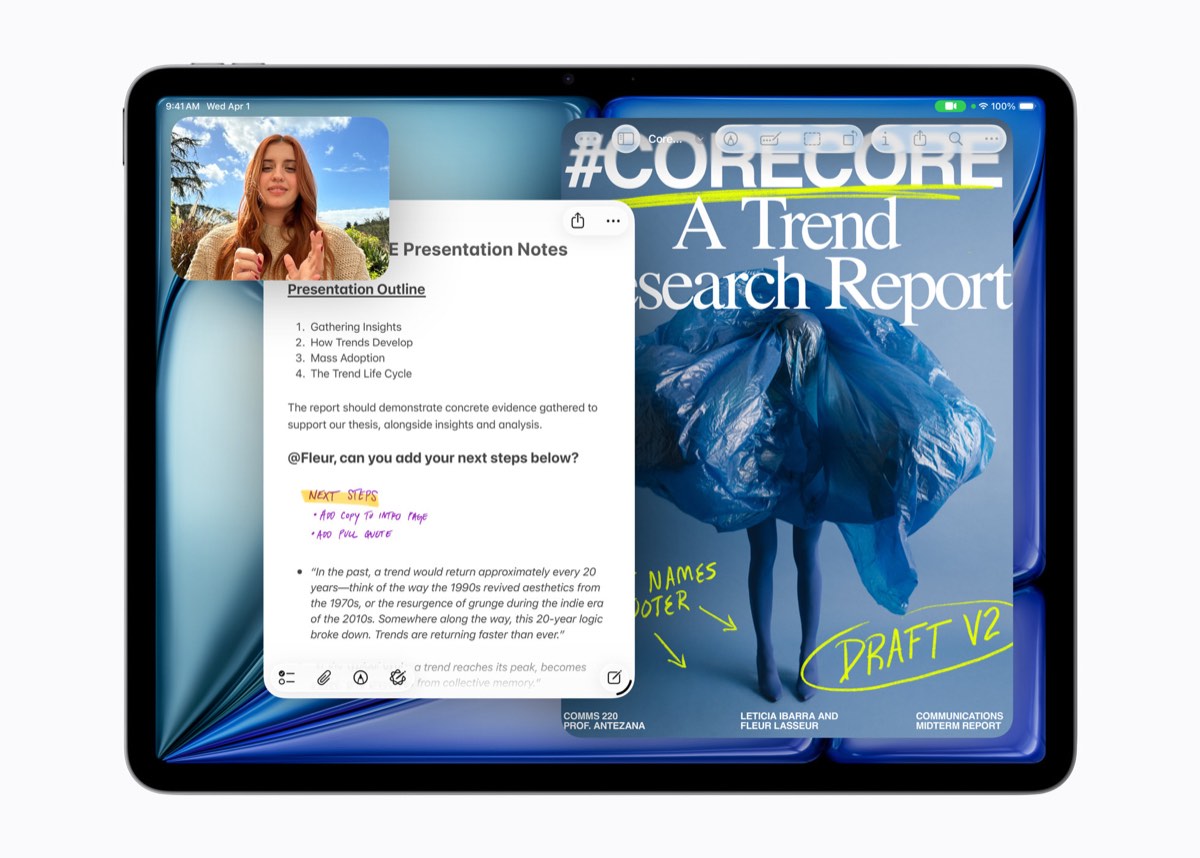 iPad Air (M4), $749: That price gets you the 11-inch model with 128 GB, the sweet spot for someone who wants M4 performance without iPad Pro prices.
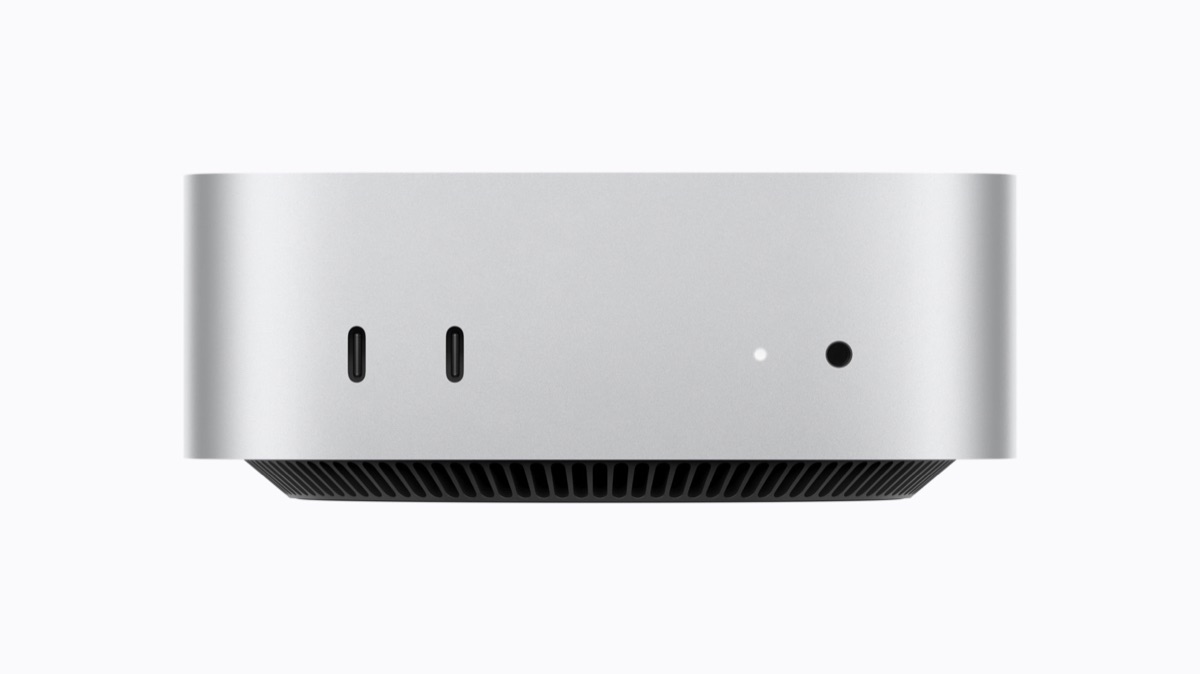 Mac mini (M6), $899: The base model has an M6 chip with a 12-core CPU and 12-core GPU, 16 GB of memory, and 256 GB of storage, along with three Thunderbolt 4 ports, HDMI, and 2.5 Gb Ethernet on the back and two USB-C ports and a headphone jack on the front. It comes with only a power cord, so you’ll want to add a display (such as one of the BenQ models here) and a keyboard and mouse from the lower tiers to complete the gift.
 BenQ MA270S, $999.99: This 27-inch 5K (5120 by 2880) display has a Nano Gloss finish and matches the pixel density macOS is built around, which BenQ says produces sharper text. A single Thunderbolt 4 cable carries video and data and charges a MacBook at up to 96 watts; a second Thunderbolt 4 port lets you daisy-chain another display; and it adds two HDMI 2.1 ports, a KVM switch for sharing a keyboard and mouse between two computers, and a height-adjustable stand. Like the MA270U, it has no webcam.
For many of these categories, you’ll find a dizzying array of cheaper products from unfamiliar brands. We recommend sticking with reputable companies that have served Apple users for years, since they’re less likely to cut corners on safety (especially with batteries and chargers) and more likely to support their products if something goes wrong. Even good brands have recalls. Before you buy a power bank, check the maker’s recall page (Anker’s, for example) and the US Consumer Product Safety Commission’s recall list. And if a gift needs setting up, from a pair of security keys to a Mac mini and display, give us a call.
(Featured image by Trusted Content Network)
Social Media: Shopping for someone who uses a Mac, iPhone, or iPad? We’ve sorted this year’s tech gifts by list price, from a $29 AirTag to a $999.99 5K display, with notes on which devices each gift works with.