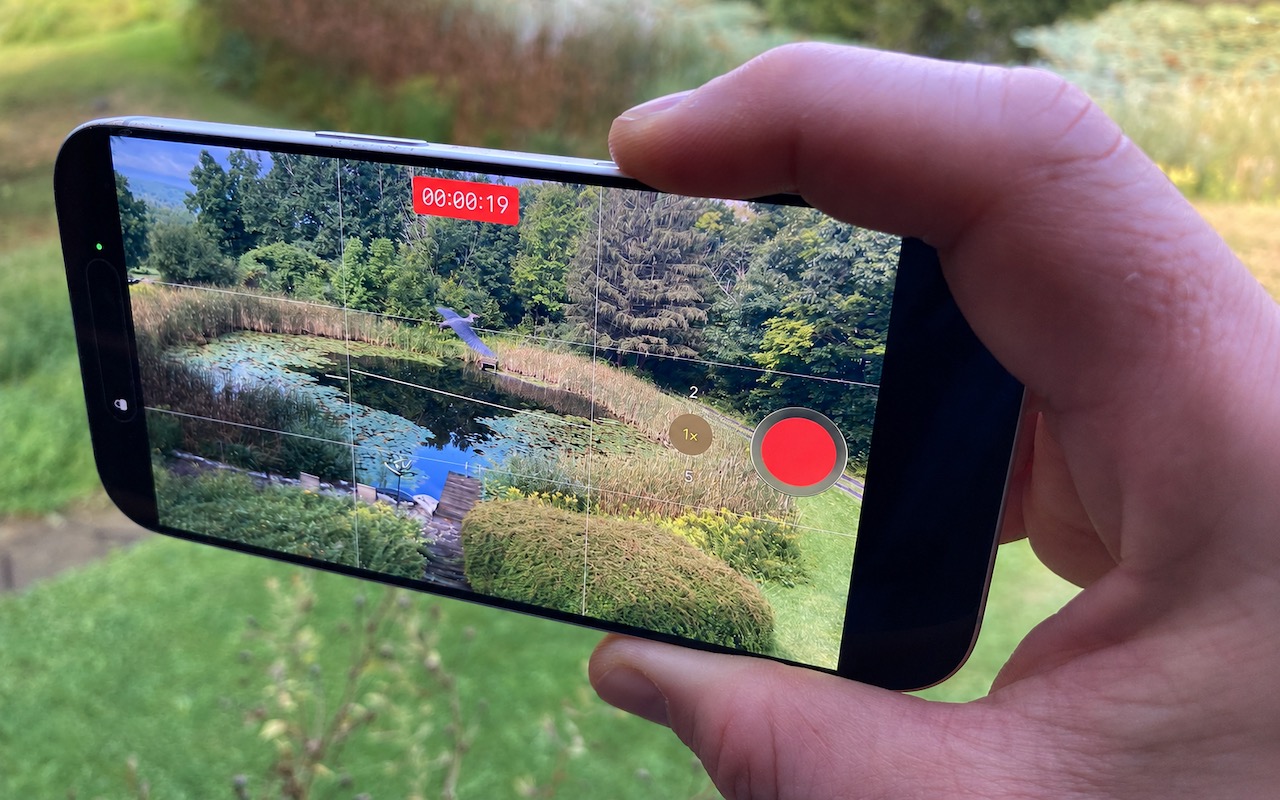
Sometimes you need to start recording video instantly—to document an incident, capture a fleeting moment, or preserve evidence. Apple has provided a shortcut that reduces the effort to just two presses of the Camera Control on the iPhone 16 and later. Press it once to open the Camera app, then press and hold again to start recording a video instantly—it keeps recording as long as you hold the Camera Control down and stops when you let up. If you don’t want to hold the Camera Control the entire time, you’ll need to switch the Camera app to video mode, after which a press of the Camera Control starts recording, and another press stops it.
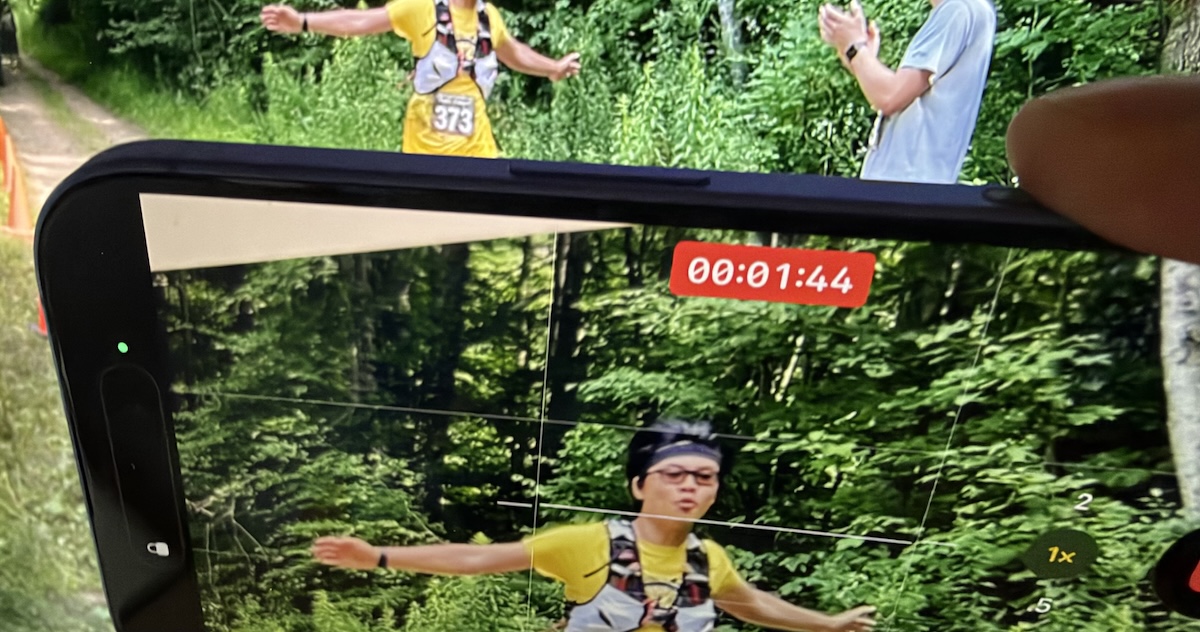
(Images by Adam Engst; heron added by ChatGPT)
Social Media: Need to capture a moment fast? On iPhone 16 and later, press the Camera Control once to open the Camera app, then press and hold to start recording video instantly.