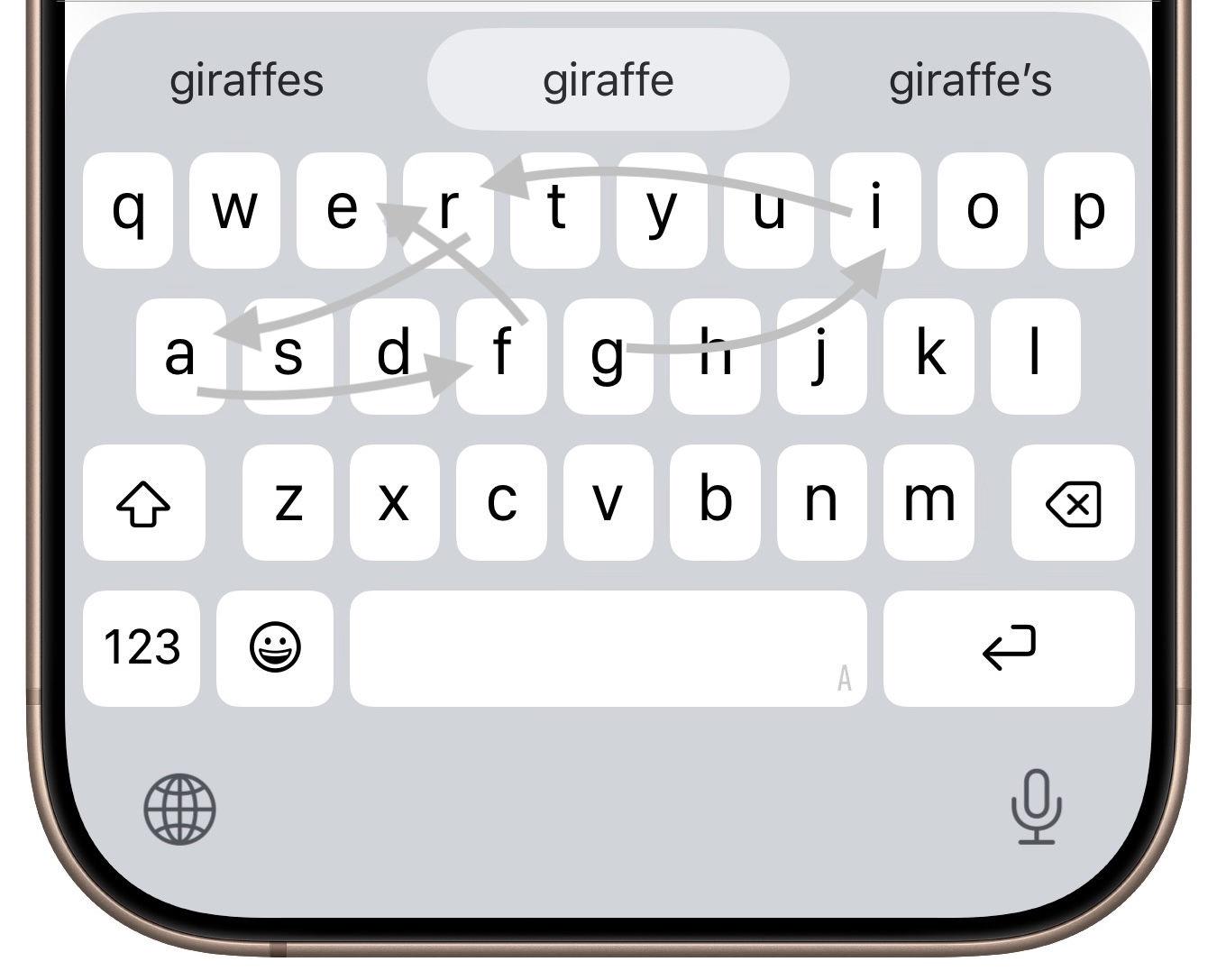
If you’ve had trouble moving from hunt-and-peck typing on the iPhone to the double-thumb typing approach many people prefer, consider QuickPath, better known as swipe typing. QuickPath isn’t new, but many people have never tried it seriously. With swipe typing, you put your finger down on the first letter of the desired word—say “giraffe”—and then drag it from the G to each subsequent letter in order. Although QuickPath’s detection code isn’t perfect, it does surprisingly well at recognizing the word you want most of the time. If QuickPath gets the word wrong, immediately tap the Delete key to remove the entire word and either try again (if you missed the right letters) or type it normally (if it’s an unusual word iOS doesn’t know). Learning to swipe type fluidly takes a little while, but if you’re unhappy with how well you type on the iPhone now, it’s worth trying.
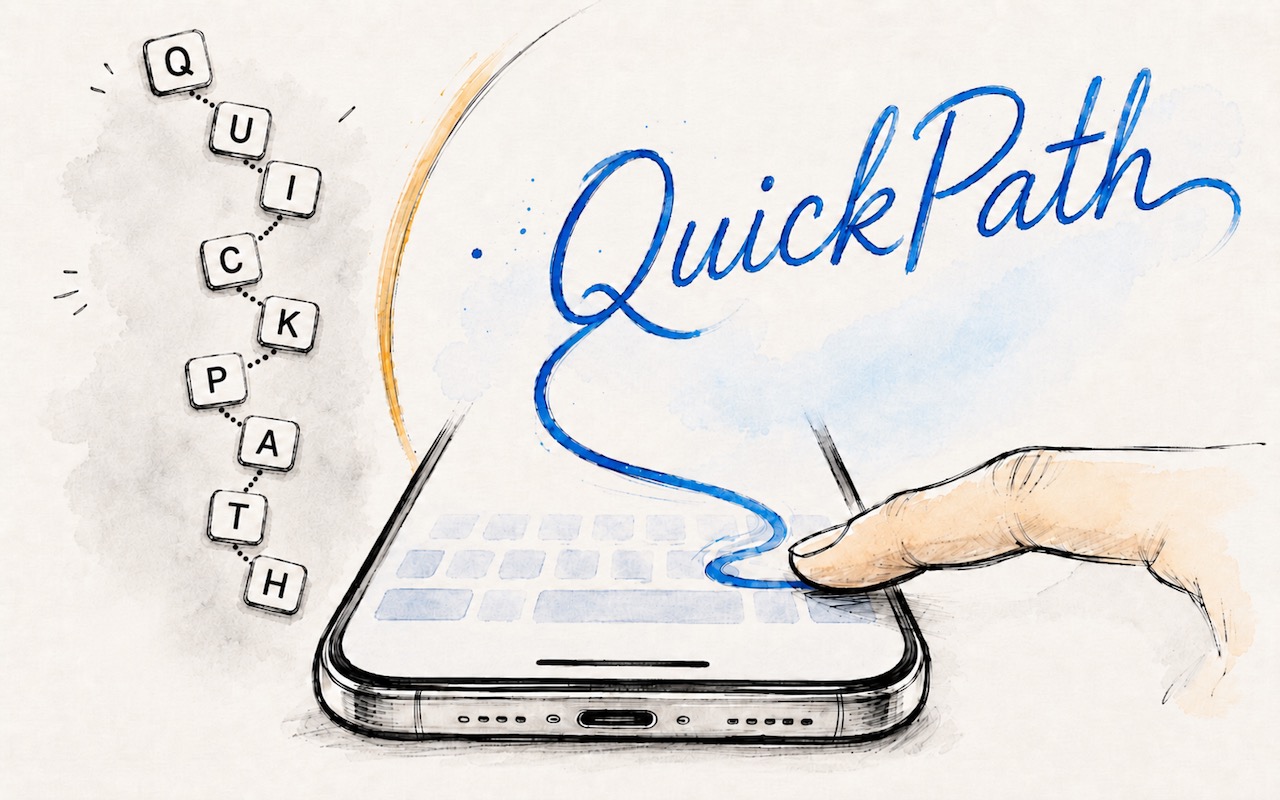
(Featured image generated by Adam Engst with ChatGPT)
Social Media: Tired of hunt-and-peck typing on your iPhone? Try QuickPath—just drag your finger across each letter in a word to swipe-type it. It’s surprisingly accurate and worth learning.